 PRODUCT + FULFILLMENT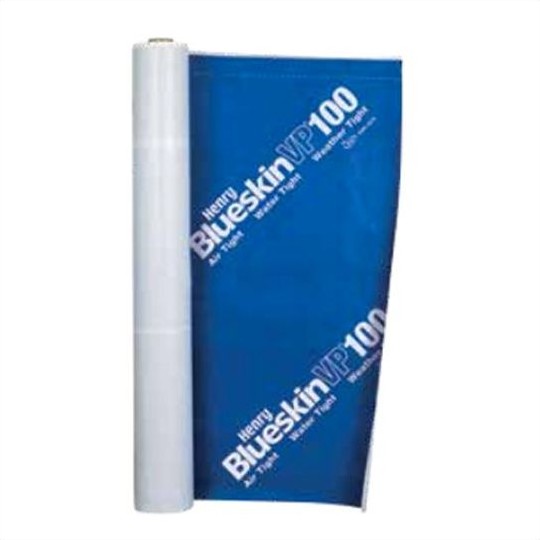
Catalog products, account pricing, branch rules, and delivery status.
Order materials without leaving the estimate. The QXO integration links Centerpoint materials to QXO catalog products, brings live account pricing into the workflow, and sends orders directly from production and service.
Explore the QXO integration. Contact Centerpoint Connect to confirm access for your account.
PRODUCT + FULFILLMENTCatalog products, account pricing, branch rules, and delivery status.
 ESTIMATE + JOB WORKFLOW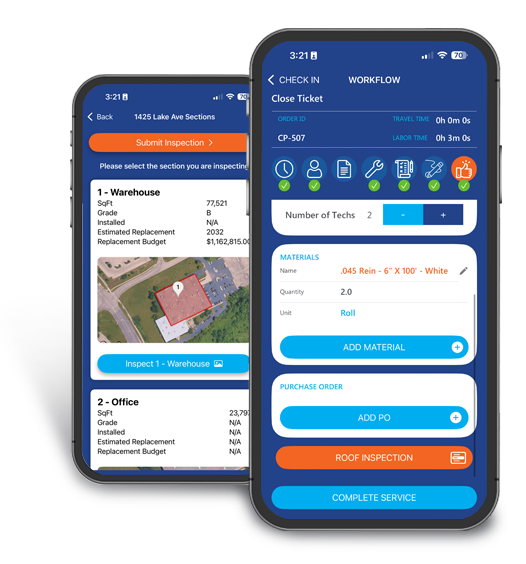
Material mapping, production and service orders, and reporting.
Live pricing tied to the selected QXO account
Daily sync for accounts and branch catalogs
Direct ordering from Centerpoint workflows
Accounts, branches, catalog products, live job and PO rules, fulfillment, and order status.
Estimates, material mapping, production and service context, order creation, and reporting.
When an order is not behaving as expected, the answer is usually in one of these three layers.
Username, password, ordering site, and default account establish the secure connection.
Integrations → QXO → Integration SettingsQXO accounts, branches, and branch products are brought into Centerpoint Connect and refreshed daily.
Fetch Accounts → Fetch ProductsEvery Centerpoint material points to a QXO catalog product for the account that will place the order.
Materials → Edit or map inlineExplore real Centerpoint screens, from connecting QXO to checking your order. Follow the highlights, review the practical guidance, and use the checklist before your first order.
Open walkthrough in a new tab ↗Select a step to see exactly how QXO and Centerpoint Connect work together across the material-order lifecycle.
Activate
Open Integrations, find the QXO card, and activate it. This makes the QXO settings and ordering workflow available inside Centerpoint Connect.
×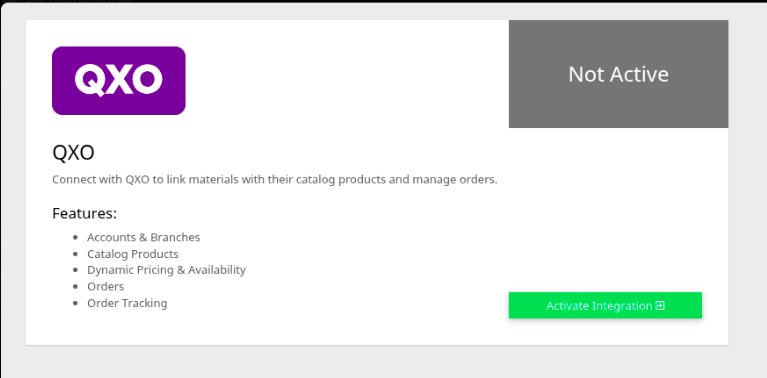
Activate the QXO integration from the Centerpoint Connect integrations screen.
View full size ↗Integrations → QXO
QXO supplies the account and product intelligence. Centerpoint Connect keeps it attached to the estimate, order, and job.
Price materials using the connected QXO account and branch context.
Keep QXO account, branch, and product data refreshed inside Centerpoint Connect.
Connect estimate lines to QXO products without leaving the estimate.
Create and place QXO orders from production and service workflows.
Carry PO, job account, delivery date, address, and rooftop or ground-drop details forward.
See order numbers and fulfillment status in the Centerpoint Orders Report.
The Centerpoint Orders Report refreshes QXO status when the page loads, so office and production teams can follow the material handoff without losing the job context.
Reports → Orders ReportNot PlacedCreated in Centerpoint; not submitted
PendingSubmitted to QXO; waiting on the branch
ProcessingAccepted and being prepared
DeliveredFulfilled
CancelledCancelled in Centerpoint or QXO
These examples show the kinds of catalog products that can be mapped to Centerpoint materials and carried into the order.
Explore commercial products at QXOSelf-adhered water-resistive air barrier membrane
↗Elastomeric liquid waterproofing membrane
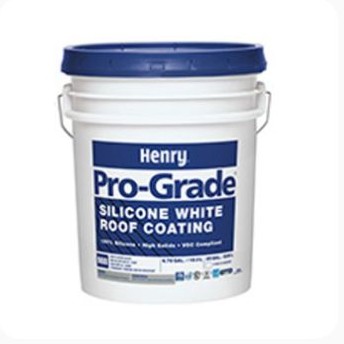
↗Silicone white roof coating in a 5-gallon pail
↗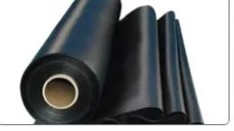
Durable single-ply membrane systems
↗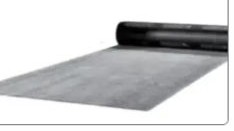
Rolled membrane materials for low-slope systems
↗Representative products and category imagery from QXO. Availability and pricing vary by account, branch, and location.
Material ordering should follow the estimate—not start over beside it. Together, QXO and Centerpoint Connect keep product, price, delivery, and status closer to the team doing the work.
Price with contextUse the QXO account and branch connected to the job.
Order with contextCarry PO, date, delivery, and site details forward.
Track with contextKeep fulfillment visibility alongside the project.
The documented workflow covers activation, authentication, daily data sync, account-specific mapping, order creation, order placement, and QXO status reporting.
Integration access and available features may vary by account. Contact Centerpoint Connect for help getting started.
Explore QXO commercial products or talk with Centerpoint Connect about integration access, rollout, and contractor workflows.
Questions about setup or access? Our team can help.