




Trusted by roofing teams.

Roofed Right AmericaMint RoofingBulldog GroupEncore RoofingFW WaltonAllweather Roof

FROM FIRST CONTACT TO FINAL INVOICE

Different departments.
One shared picture.

Keep your people, job details, and next steps connected.

02 / CONNECTED WORKFLOWS

Keep the office and roof in sync.

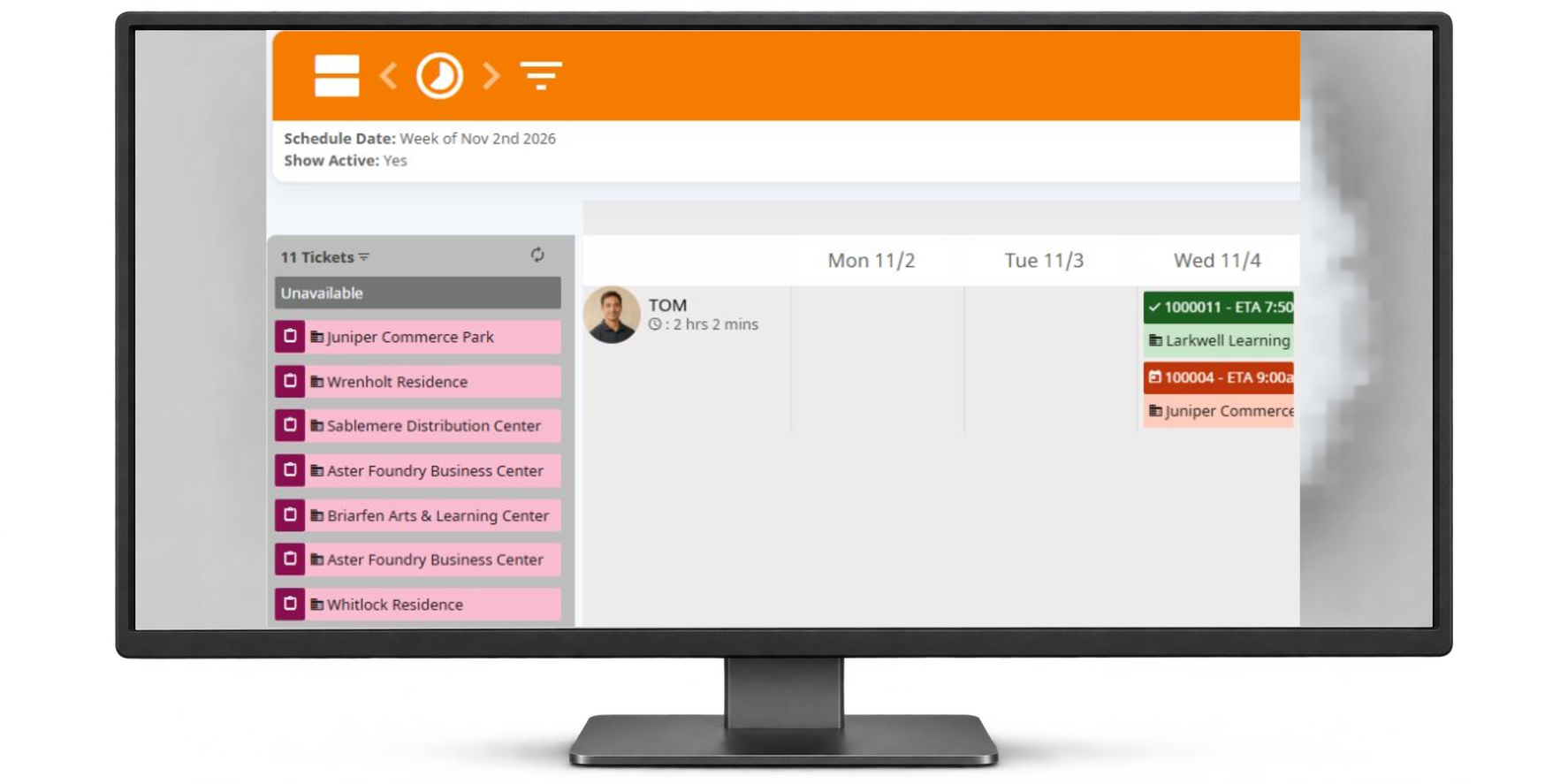
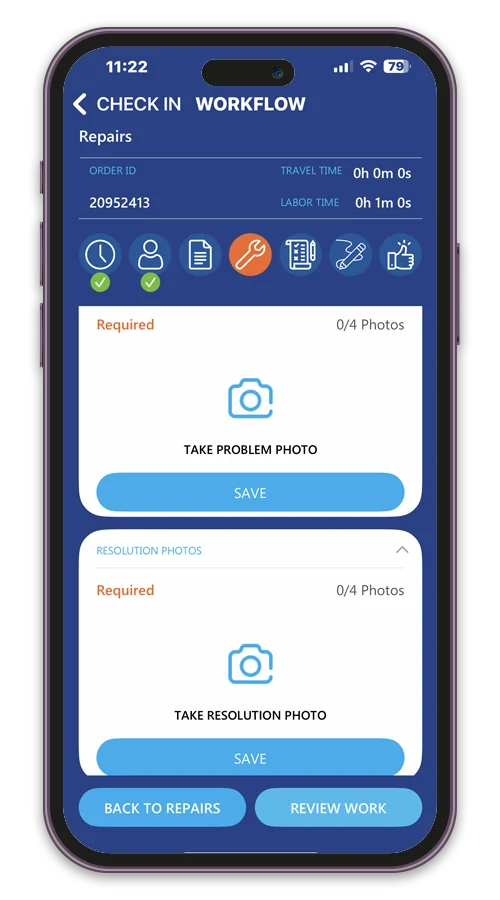
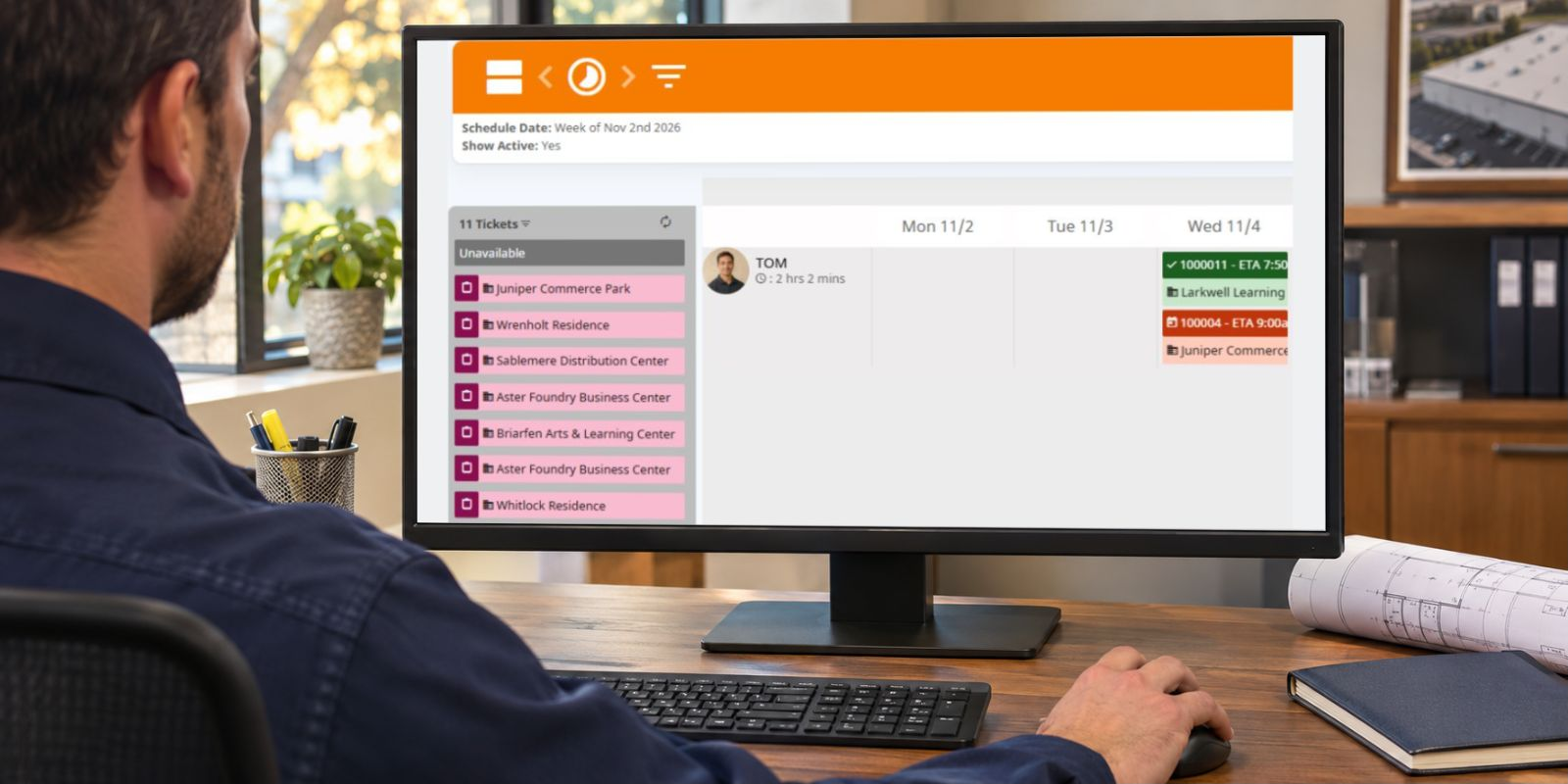
Schedule technicians, document field work, and prepare completed tickets for review and billing.

  • Coordinate technicians and schedules
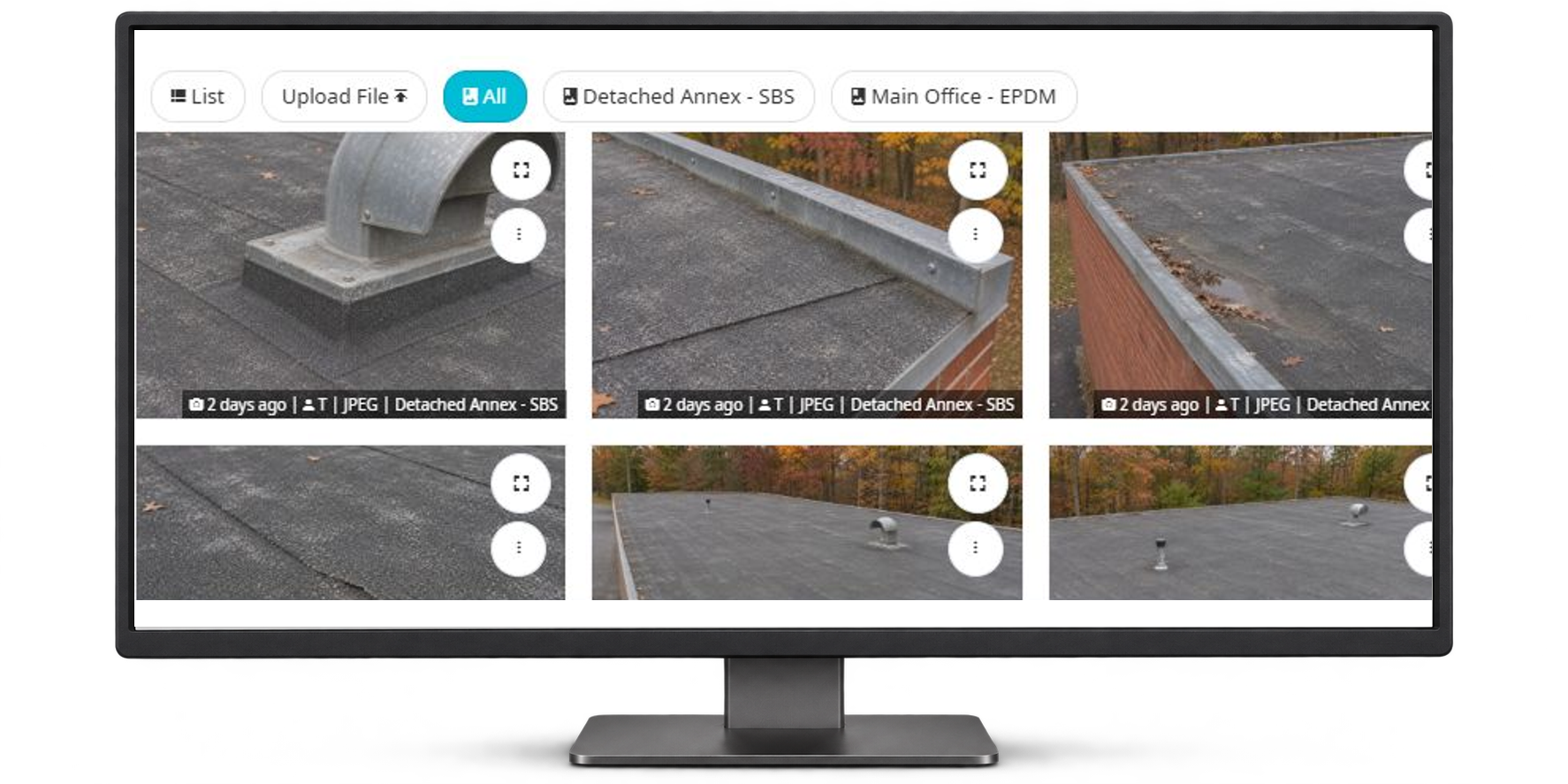
  • Capture repair details and photos
  • Connect approvals and invoicing
Explore service management
IN CENTERPOINT CONNECT
Centerpoint technician dispatch calendar
One shared view.

PRODUCT UPDATES

Better with
every update.

Explore what’s planned, in progress, and recently completed.

Planned

03

Improvements being planned.

  • Production task schedulingKeep project tasks and meetings aligned.
    • Planning to assign created tasks and meetings to the documented project manager.
    • The planned update also carries the project task name and correct end date into scheduling.
  • Roof sections on agreementsConnect agreements to specific roof sections.
    • Planning a section selector for service agreements, with selections based on the chosen property.
    • Final scope and platform availability are still being defined.
  • Technician note defaultsSet a consistent starting point for new notes.
    • Planning an account setting for the default Show to Technician value on new notes.
    • Administrators would choose the default for their account.

In progress

03

Currently in development.

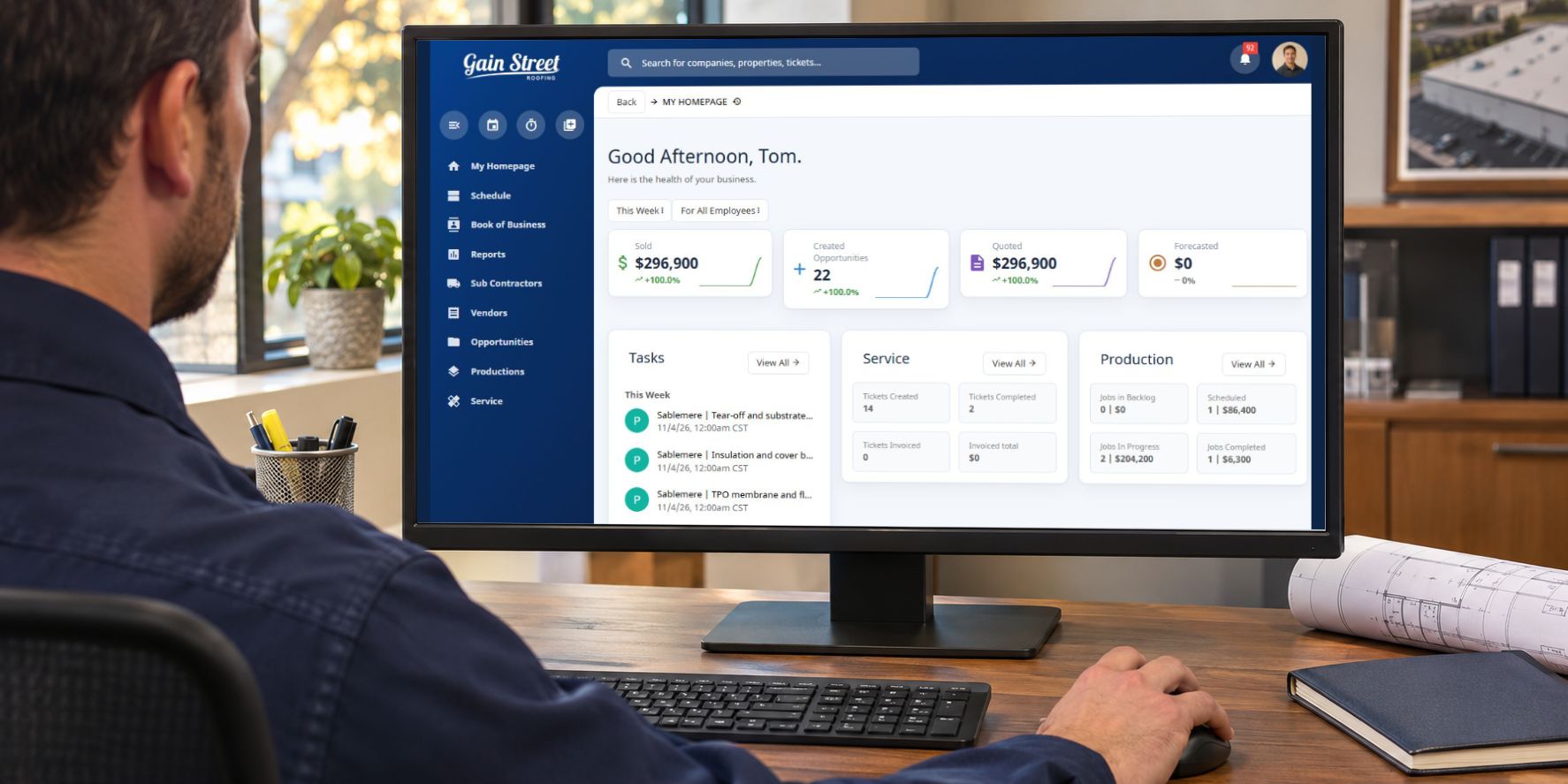
  • Company dashboardA clearer company-level overview.
    • Bringing property counts, sales totals, warranties, and agreements into a company overview.
    • This update is in development.
  • Mark invoices as sentProcess an invoice without emailing it.
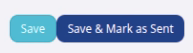
    • Adding a Save & Mark as Sent option when an invoice has no recipients.
    • This workflow is in development and is not yet a released update.
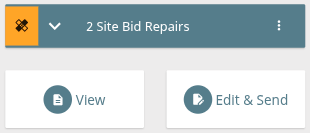
  • Easier bids on mobile webClearer controls for sharing from a phone.
    • Improving opportunity and site-bid controls in the mobile web view.
    • The work focuses on clearer actions and a more usable sharing flow.

Completed

07

Recently released improvements.

  • Service agreement ticket detailsKeep agreement details with the work.
    • Automatically created service tickets use the service agreement name as their description.
    • Agreement notes carry into the service ticket notes.

    Applies to tickets generated from the configured service-agreement workflow.

  • Clearer service scheduling emailsKeep the scheduled day visible.
    • Service scheduling emails include the ETA date even when the ticket has no ETA time.

    Applies to the service-scheduled notification workflow.

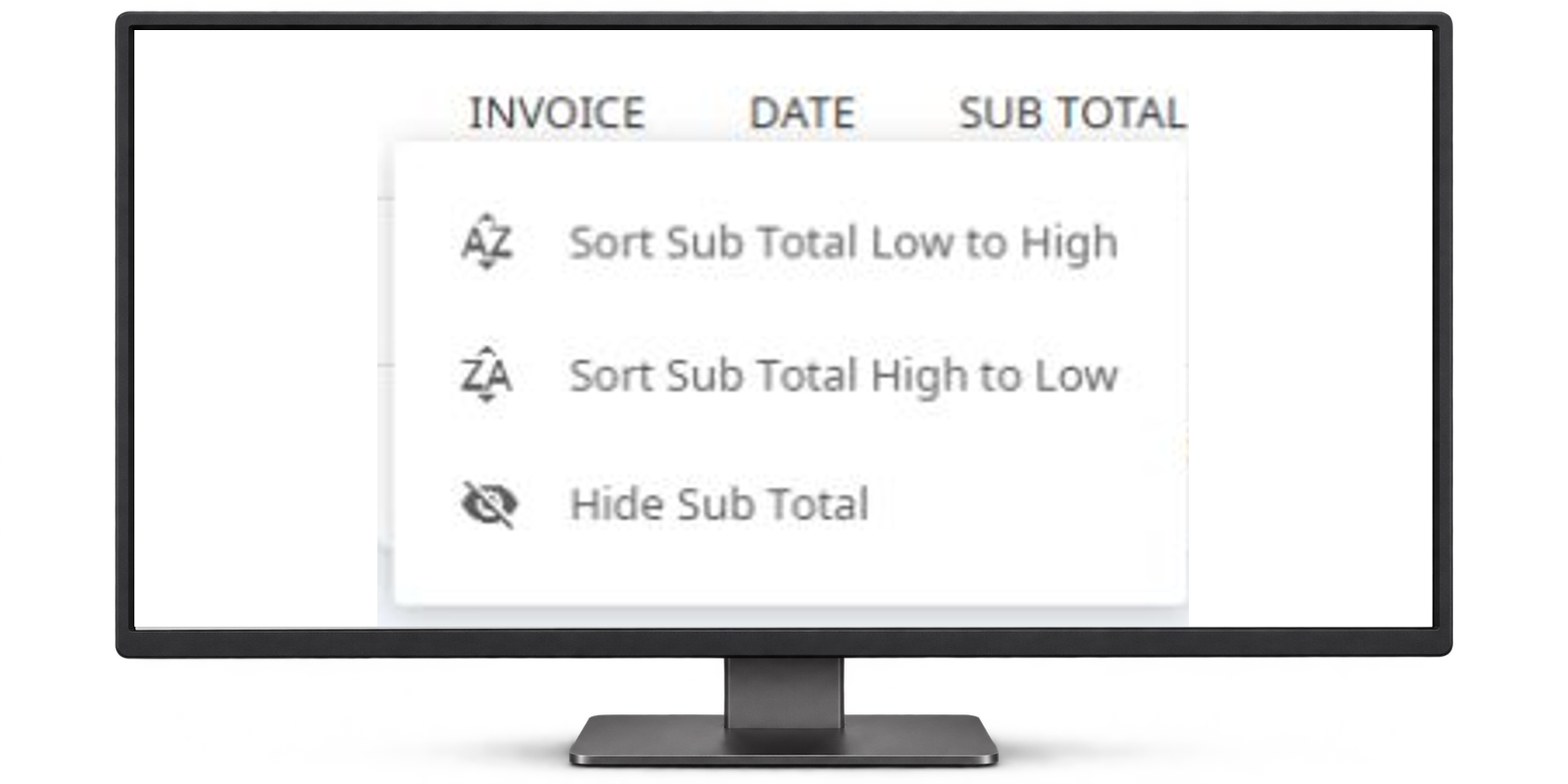
  • Invoice list sortingFind the invoice you need more easily.
    • Sort columns in the service and production invoice lists.
    • Alphabetical sorting helps organize the information already in your invoice view.
    Invoice sorting menu with low-to-high, high-to-low, and hide subtotal options.
    Invoice sorting controls. Edited to remove account details.
4 more completed updates
  • Budget integration statusReview production budget integration status.
    • The Production Budgets report includes an Integration column for QuickBooks Online sync status.
    • The column displays status; it does not start a sync.

    Requires the relevant QuickBooks Online setup.

  • QXO price updatesRefresh pricing for linked products.
    • Linked product prices refresh when the order creation page opens.
    • Prices also refresh during the daily product sync.

    Applies to products linked through the configured QXO connection.

  • Custom filters on the Tech BoardFilter the board around your team’s fields.
    • Use supported custom fields configured for your account to filter the Tech Board.

    Supported fields and availability depend on your account setup.

  • CompanyCam photo importBring project photos into the property record.
    • Link a CompanyCam project to a Centerpoint property, then start a photo import into its file library.
    • Import progress is visible, and duplicate photos are skipped.

    Requires a Support-enabled CompanyCam connection. Plan photo limits apply.

Plans may change. Launch dates are not yet committed.

What would help your team?

Share an idea for a future update.

EXPLORE THE PLATFORM

Take a look.
At your own pace.

Explore sales, production, service, and the client portal through real Centerpoint screens.

Take the interactive demo No sign-up or sales call.
EXPLORE YOUR CONNECTED WORKSPACE
Interactive tour preview of Centerpoint's technician dispatch calendar
06 / SCHEDULING & DISPATCHGive every technician a clear plan.

People, tickets, and next steps in one view.

Start exploring
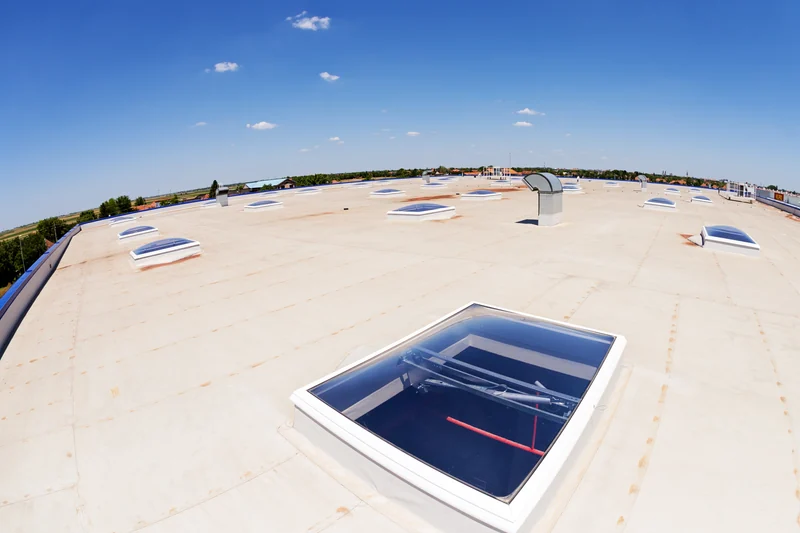
Commercial flat roof with skylights beneath a blue sky
BUILT FOR THE WAY ROOFERS WORK.

THE VIEW FROM OUR CUSTOMERS

It has improved both our sales and operations processes. Our customers say it’s the best!
Kevin K.President, Mint Roofing
Explore the Centerpoint platform

MADE FOR YOUR KIND OF WORK

Roofing is specific.
Your software should be, too.

Roofing tools, backed by training and support.

01 / BUILT IN

A roofing head start.

Start estimates with a preloaded commercial roofing price book.

02 / IN THE FIELD

The job goes with you.

Take job photos, details, and updates from office to rooftop.

03 / BY YOUR SIDE

People behind the platform.

Get help adopting Centerpoint from dedicated training and support staff.

GETTING STARTED

Your operation.
Your next step.

Start with sales. Add service or production as needed. We’ll plan setup, training, and implementation together.

Explore plans & implementation
PlanConfigureTrainLaunch

CUSTOMER EXPERIENCES

Roofing teams.
Real experiences.

Google Reviews4.84.8 out of 5 starsRead reviews
5 out of 5 stars

A team that shows up.

“They are always available to help with any issues and are extremely friendly and helpful.”
Alana MarshallReview on Google
5 out of 5 stars

Made for the workflow.

“We can get our estimates very accurate and we especially like the service workflow.”
Read 4 more customer stories
5 out of 5 stars

Office. Field. Connected.

“Communication between field and office has never been better”
Erika DraperReview on Google
5 out of 5 stars

A clearer plan for the day.

“It keeps all work organized and their dispatching feature is great.”
Jovanny RoqueReview on Google
5 out of 5 stars

Built for roofing.

“It's the best roofing app on the market hands down.”
Dustin HaneyReview on Google
5 out of 5 stars

One place for the operation.

“Easy to use all-in one platform for any Commercial roofing Contractor”
David DanielReview on Google
Excerpts from Google reviews · Rating checked September 11, 2026Read more customer reviews

BOOK A DEMO

Pick a time.
Let’s talk roofing.

See Centerpoint’s sales, service, and production workflows with our team.

60-minute live walkthrough
BOOK YOUR CENTERPOINT DEMO

Calendar not appearing? Open the booking page

STAY IN THE LOOP

Get product updates.

New features, improvements, and what’s next for Centerpoint Connect.

Privacy policy
Scroll to Top