Production Management Module
Roofing production, from plan to closeout.
Connect crews, schedules, materials, and progress in one production workflow.
1
Step 1: Setup the Project
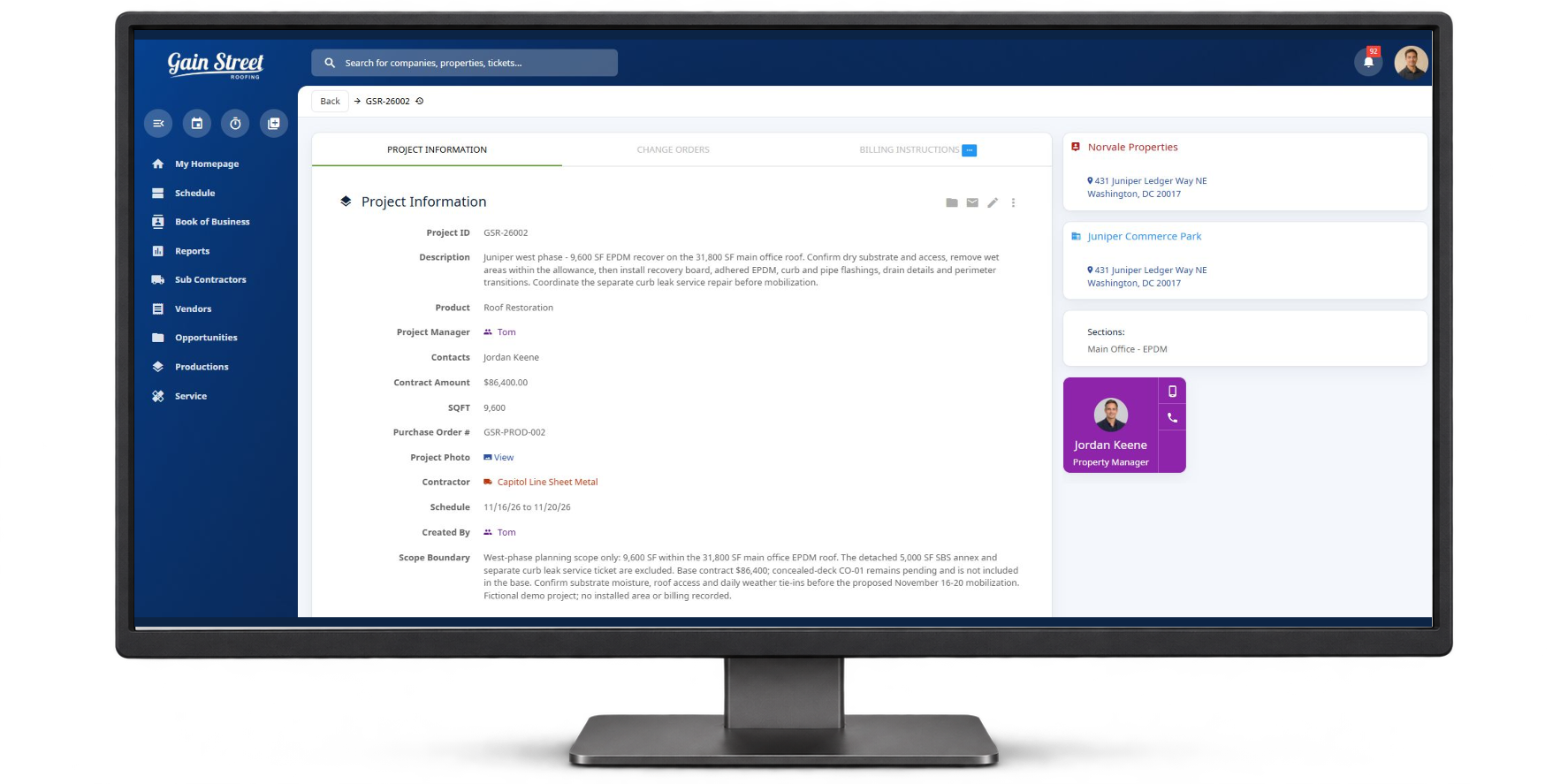
Set up the job in one place.
Assign crews, add scope and materials, upload documents, and set the timeline. Give office and field teams a shared job record.
- Centralized project dashboard
- Upload scopes, drawings, and safety docs
- Assign project managers, crews, and sub-contractors
- Define labor and material budgets
- Organize work by section, building, phase, or task group
2
Step 2: Assign Tasks & Build the Plan
Give every task an owner.
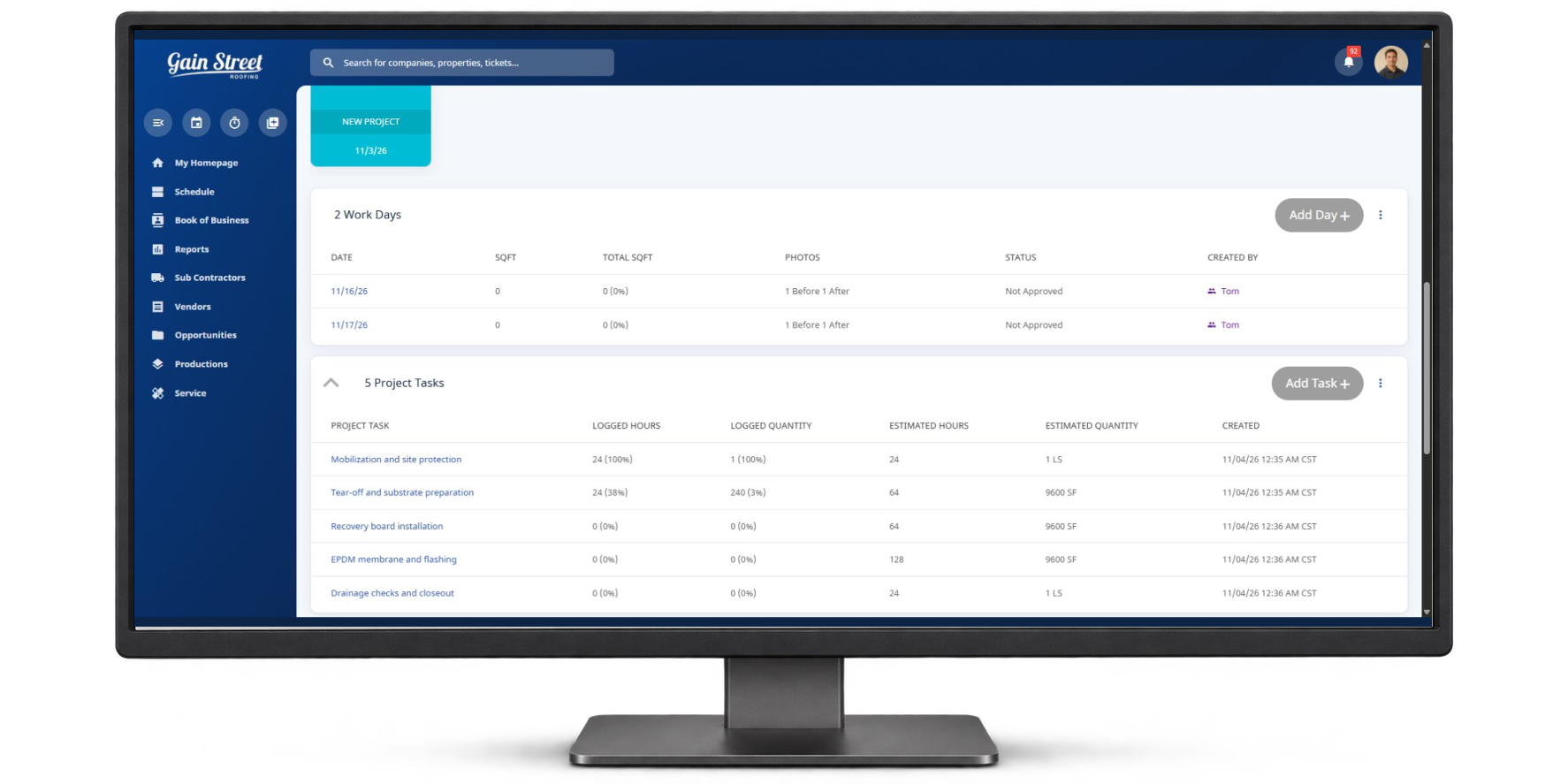
Organize work by crew, building, or phase. Assign responsibilities, deadlines, and approval steps for project managers and field leads.
- Assign tasks to crews or individuals
- Organize tasks by building, phase, or area
- Add approval steps at key milestones
- Coordinate tasks with project timelines and calendars
3
Step 3: Schedule Crews & Materials
Balance Labor, Deadlines, and Deliveries.
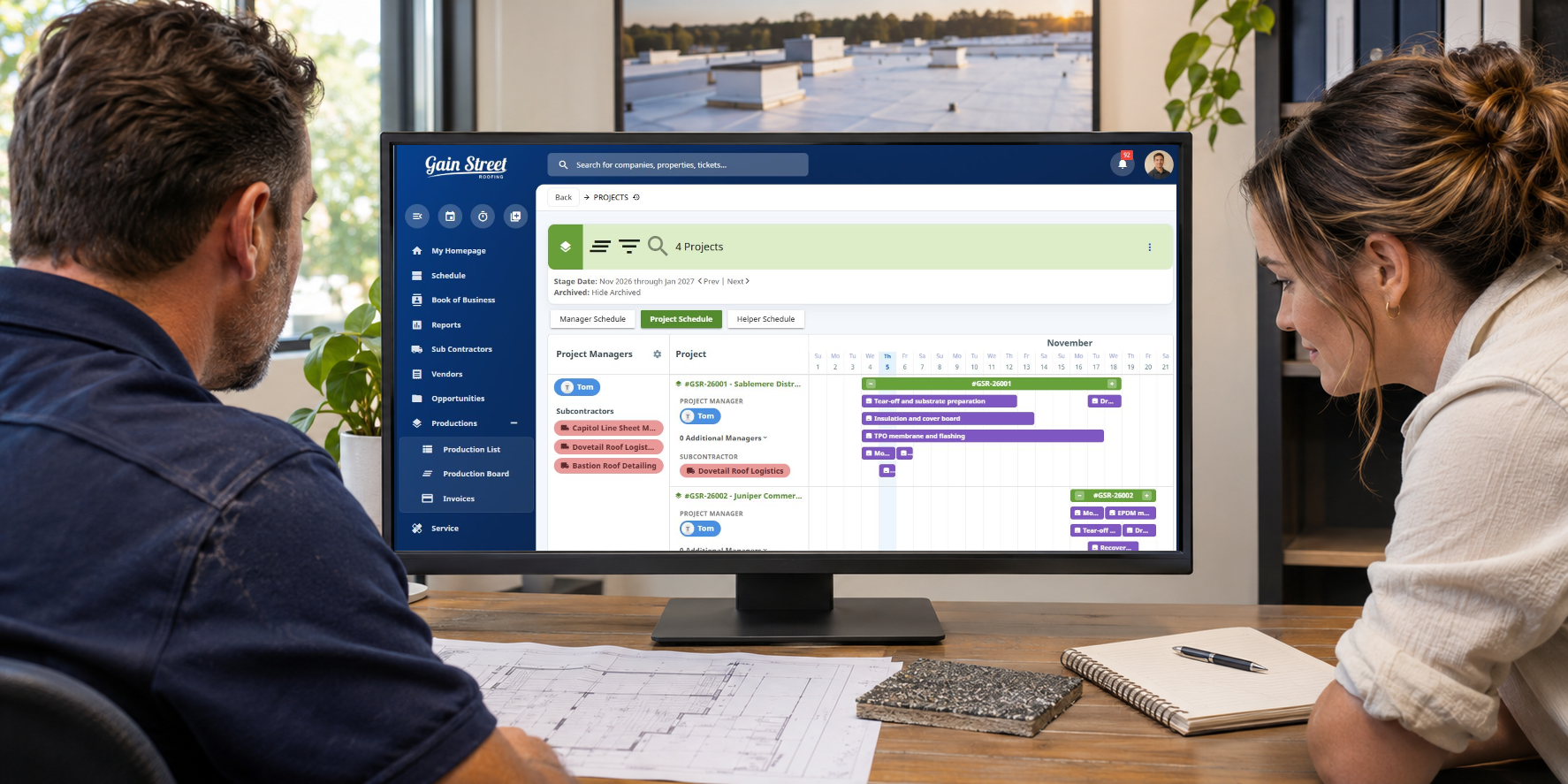
Plan crews and material dates with Gantt-chart and job-queue views. Spot conflicts across active jobs.
- Project timelines and task durations
- Job queue for crew workload visibility
- Material tracking
- Crew assignments by day or task
- Visibility into resource management
4
Step 4: Track Daily Progress
Follow progress from the field.
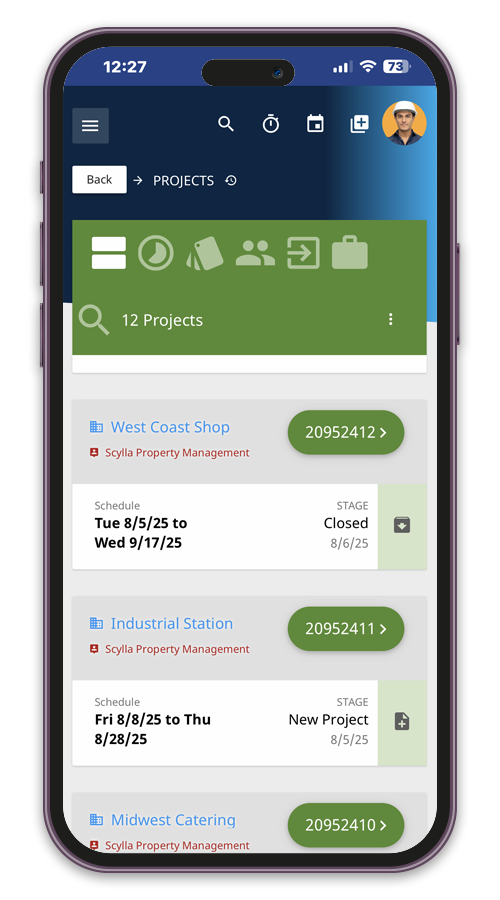
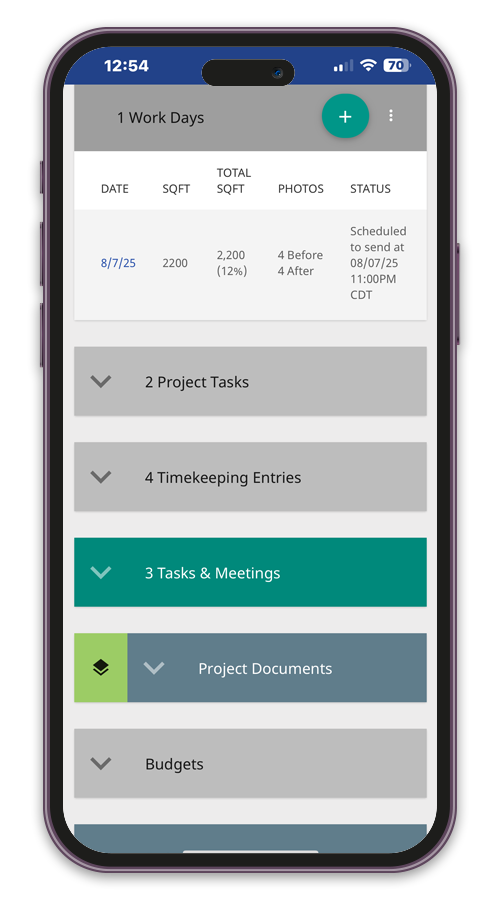
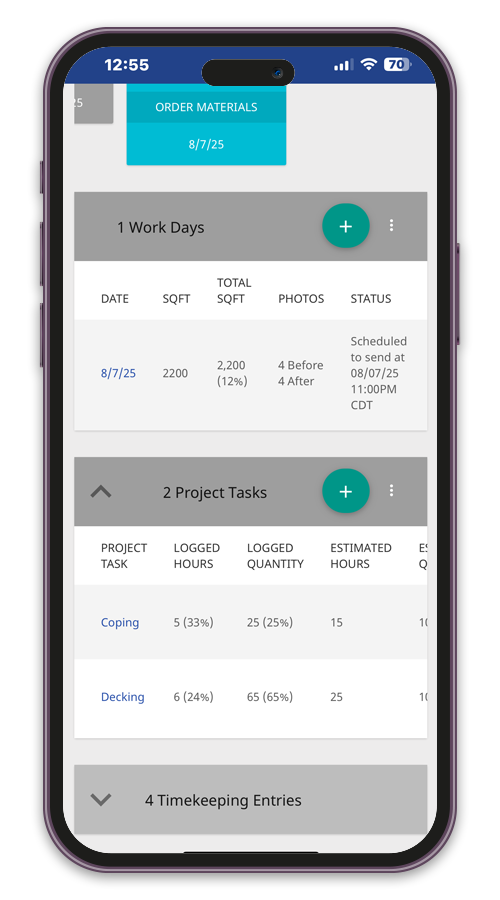
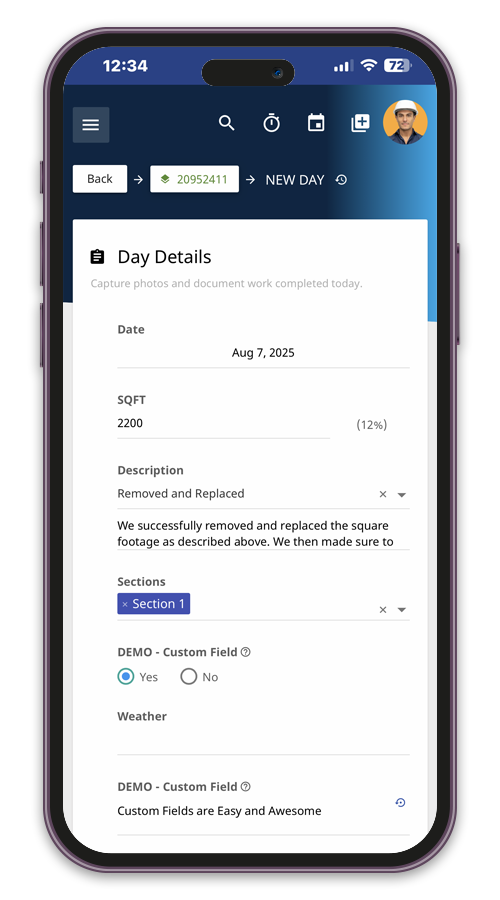
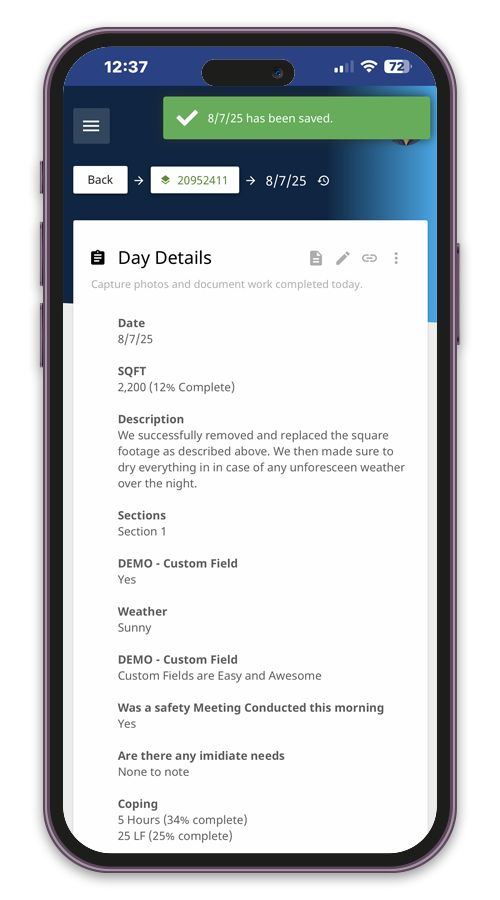
Foremen and project managers log progress, photos, material needs, and completion percentages on mobile. The office sees updates as work moves.
- Daily reporting forms
- % complete by phase or task
- Mobile uploads of photos and field notes
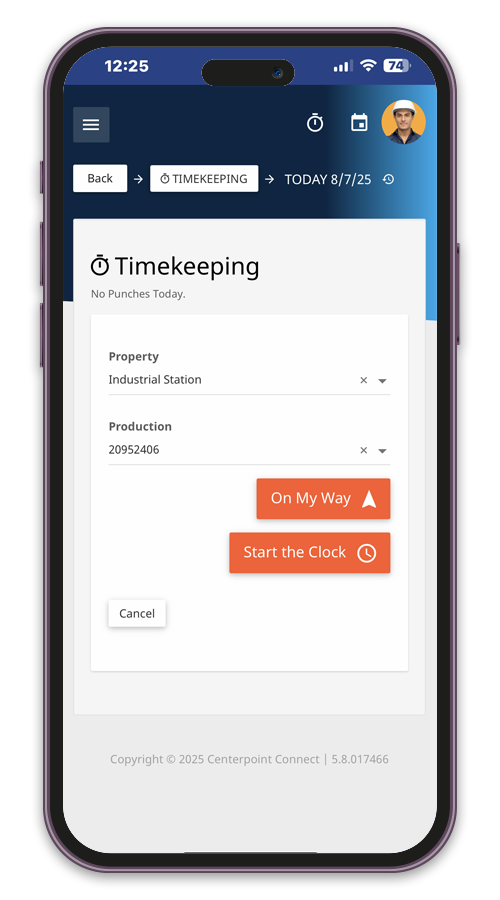
- Labor hour tracking by crew/task
- Date- and time-stamped field updates
5
Step 5: Project Communication
Share approved progress reports.
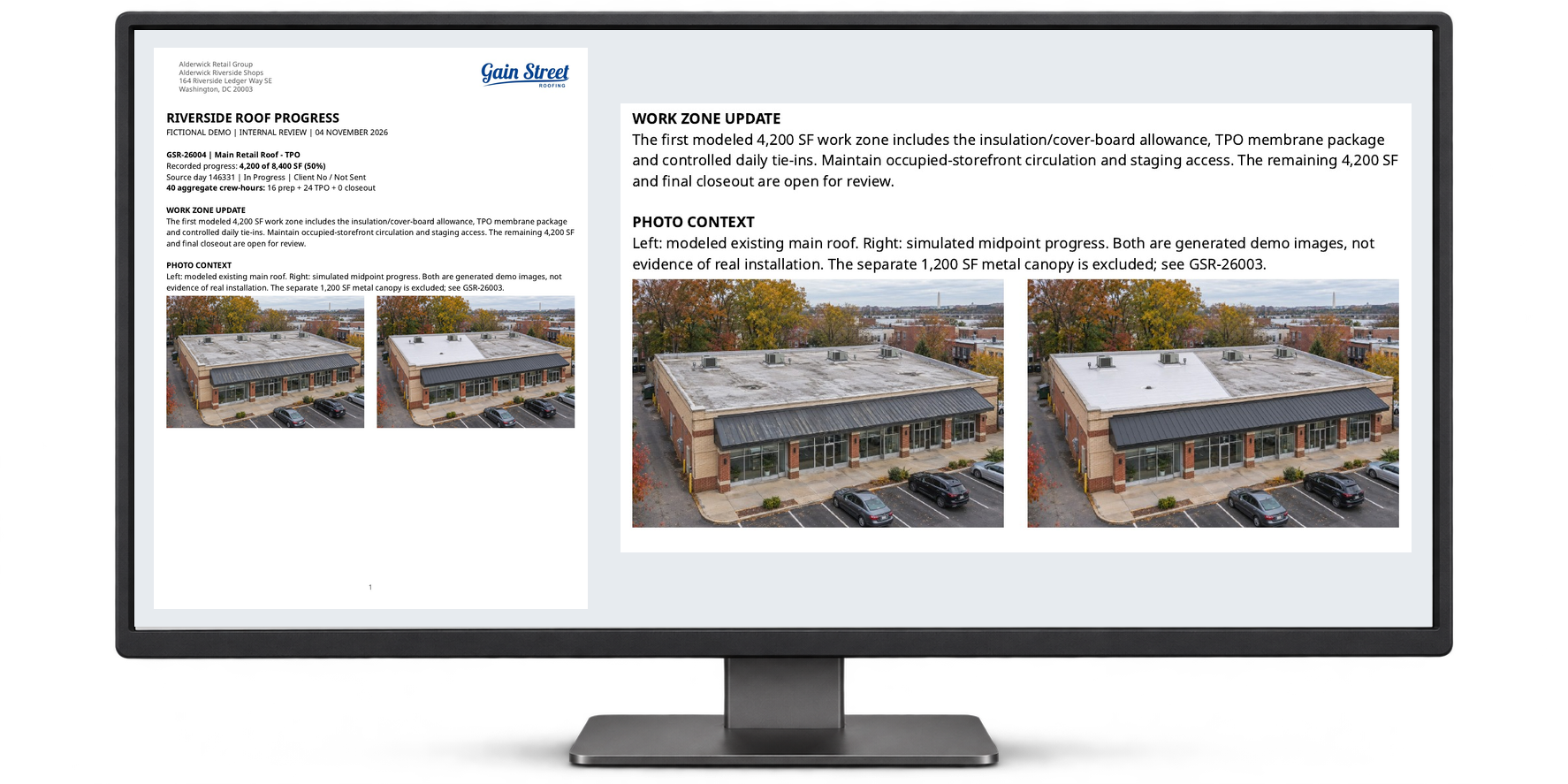
At the end of the shift, the superintendent checks roof photos and square footage. Once the office approves the progress report, it can go to the project’s subscribers.
Read the sample report
- Daily questionnaire
- Log Percentage Complete
- Photo Capture with Comments
- Task Category Consumption
- Daily Progress Report Distribution
6
Step 6: Close Out & Report
Close out with a complete job record.
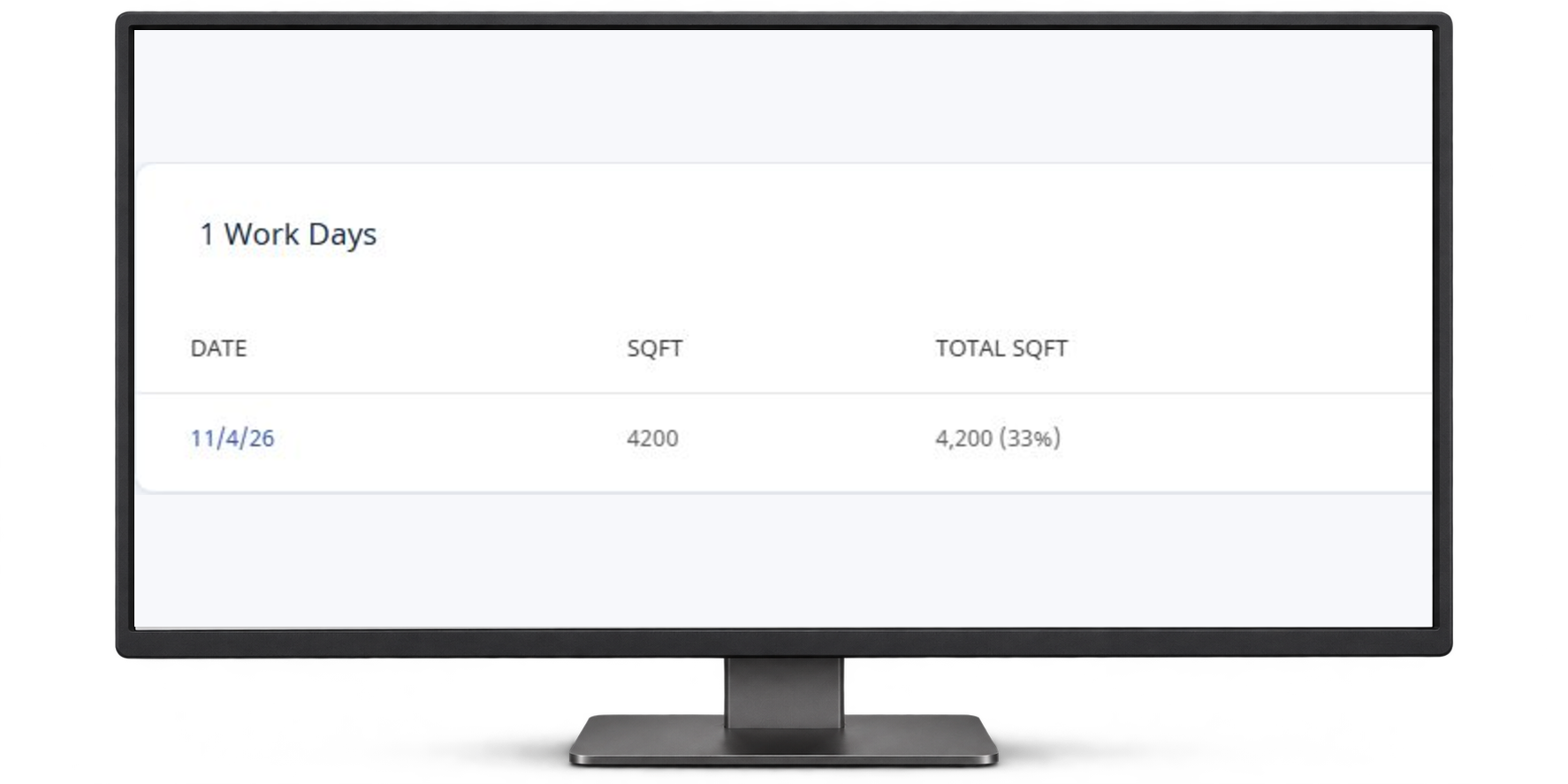
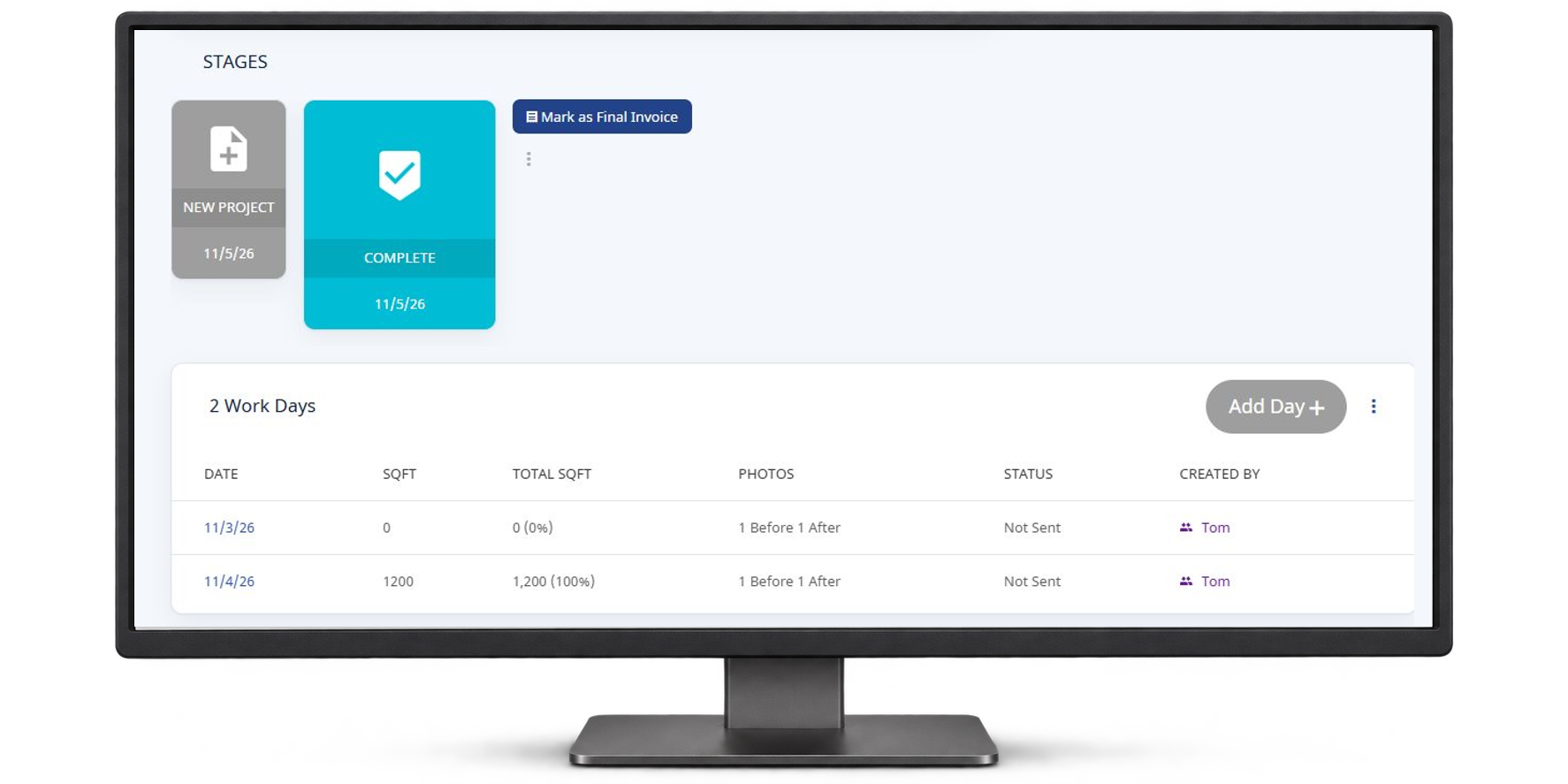
At closeout, the project manager reviews workdays, labor, materials and photos in one job record. The estimator can pull up that history when pricing the next roof.
- Job cost tracking by labor and material
- Final project review audit
- Daily and cumulative reporting
- Centralized project documentation
- Audit trail of field updates and activity
Trusted by 320 contractors across 540 locations.
When we found you guys it was literally an aha moment. As soon as we attended the demo we knew this is exactly what we needed.
Sarah P.President, Peterson Roofing
We had something that worked but we wanted better. We got it with Centerpoint Connect. It has improved both our sales and operations processes. Our customers say it's the best!
Kevin K.President, Mint Roofing
We are using Centerpoint Connect daily and have been very pleased with our ability to provide high quality reports to our clients.
Sherry T.Carver & Sons
We have used other systems in the past and needed something we could grow within. Since we signed up with Centerpoint Connect, we have been able to transform and grow.
Joe P.President, Dennis Padula & Sons
The support team is very fast in connecting with you to solve any issue. Great experience so far with Centerpoint.
Taylor C.Centerpoint User
Thank you for being so quick with your responses and always delivering amazing service! You guys have really kept up with and in most cases exceeded our expectations and it's very much appreciated.
Klayton M.Raven Roofing