A field-ready workflow for project visibility, daily reporting, costs, and documentation – now inside our native apps.
What’s new?
Centerpoint Connect now includes the Production Module inside our native applications – completing an end-to-end platform for service, sales, and production teams.
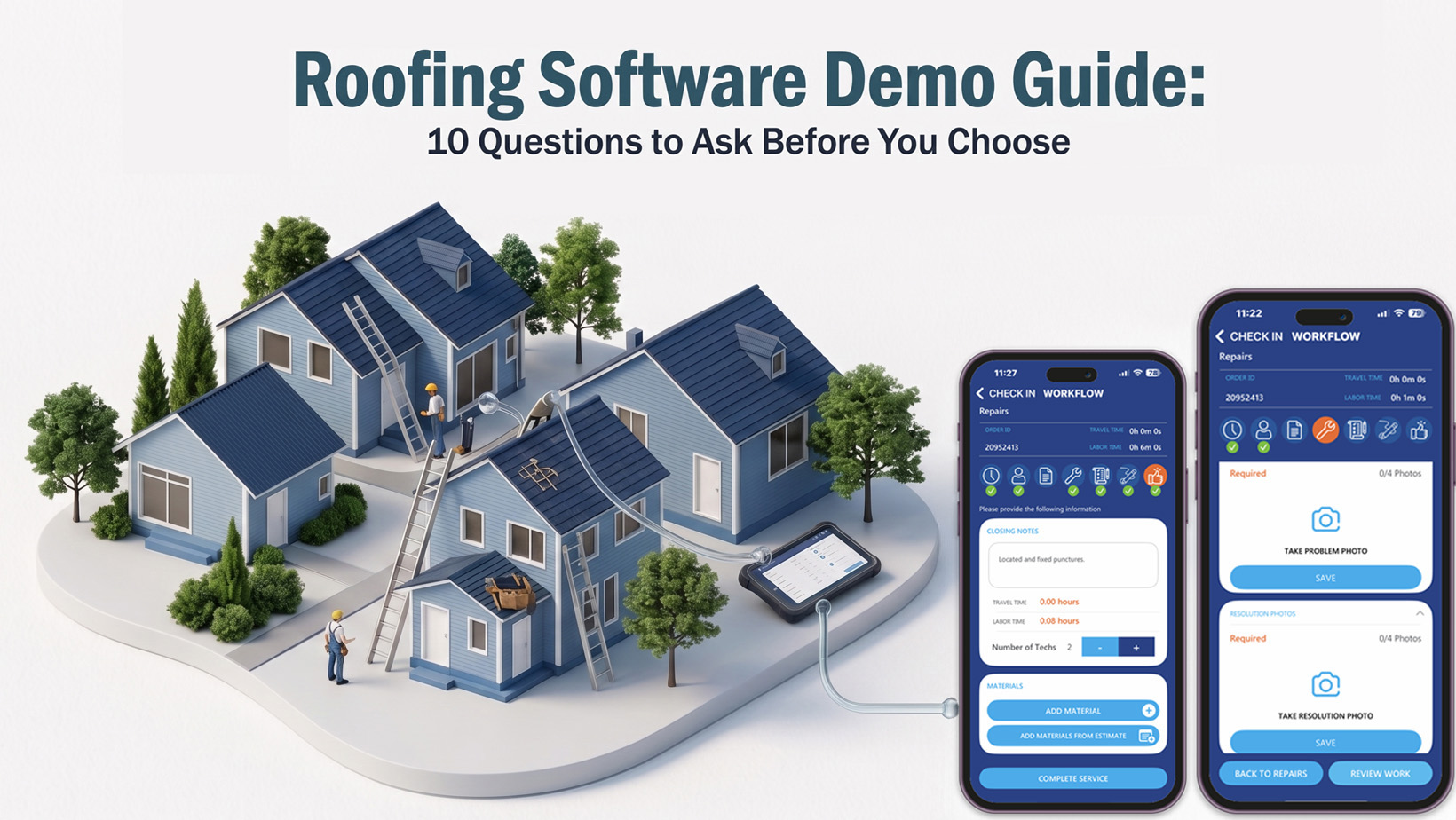
This release is built for real jobsite execution. Foremen and field leaders can access projects, document daily progress, capture photos, log expenses, and maintain a running project record – all from one place, without relying on scattered texts, calls, or separate tools.
Why this matters
Production is where margins are won or lost – and it’s also where communication breaks down most often.
When production updates live in people’s heads, group chats, and ad-hoc notes, the office is forced to chase clarity. The result is predictable: missed details, delayed decisions, client frustration, and end-of-job surprises.
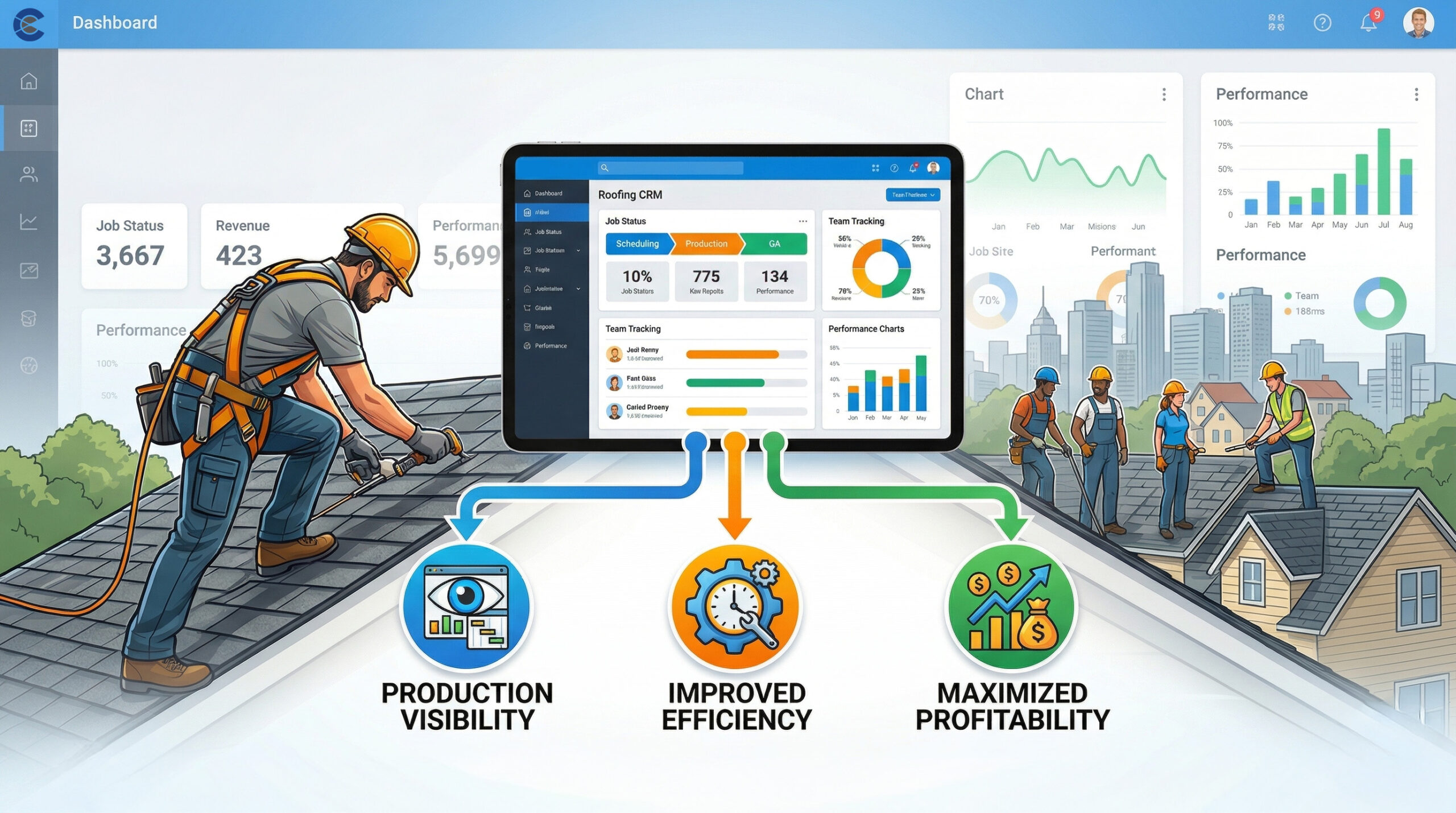
The Production Module is designed to tighten that loop. It gives the field a structured workflow and gives management a reliable source of truth – day-by-day, project-by-project.
At a glance: what the Production Module includes
From the Projects area, users can quickly move through the core tools that matter most in the field:
- Daily Work Reports (structured jobsite reporting)
- Timekeeping Entries (job-based time capture)
- Expenses (job costs captured on-site, tied to the project)
- Estimates (available in the Production workflow)
- History & Notes (a centralized, running record)
- Access File Library (key documents, available when needed)
A few practical details are also built in:
- Tap the project address to open Google Maps
- Sections display based on the sections selected during project setup (multi-select)
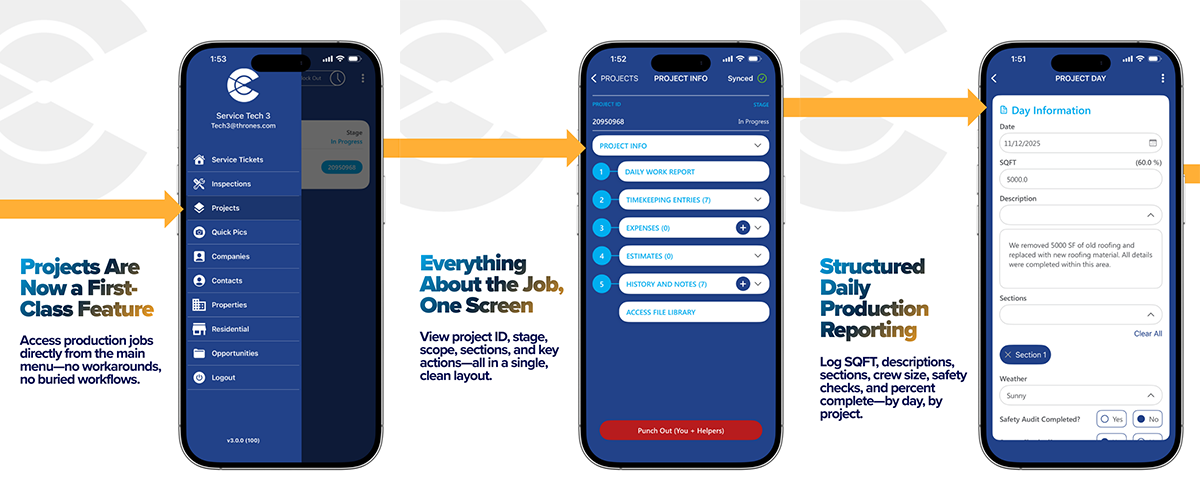
1) Projects are now a first-class feature
Access production jobs directly from the main menu. Projects are no longer buried behind workarounds – your production team can enter the workflow in one tap and stay focused on execution.
2) Everything about the job, on one screen
Each project includes a clean, consolidated hub that surfaces the information and actions people need most:
- Project ID and stage visibility
- Quick access to key workflows (daily reports, timekeeping, expenses, estimates, history/notes, file library)
- Sections aligned to how the project was set up – so reporting stays consistent
This is designed for speed in the field and clarity in the office.
3) Structured daily production reporting
Daily Work Reports provide a consistent format for documenting progress – without turning the foreman into an admin.
Depending on your configuration, teams can log key details such as:
- Date and scope (SQFT)
- Descriptions of work completed
- Sections worked (multi-select)
- Weather conditions
- Safety audit status and other compliance checks
- Percent complete / progress tracking
The goal is simple: reliable daily visibility, with less friction.
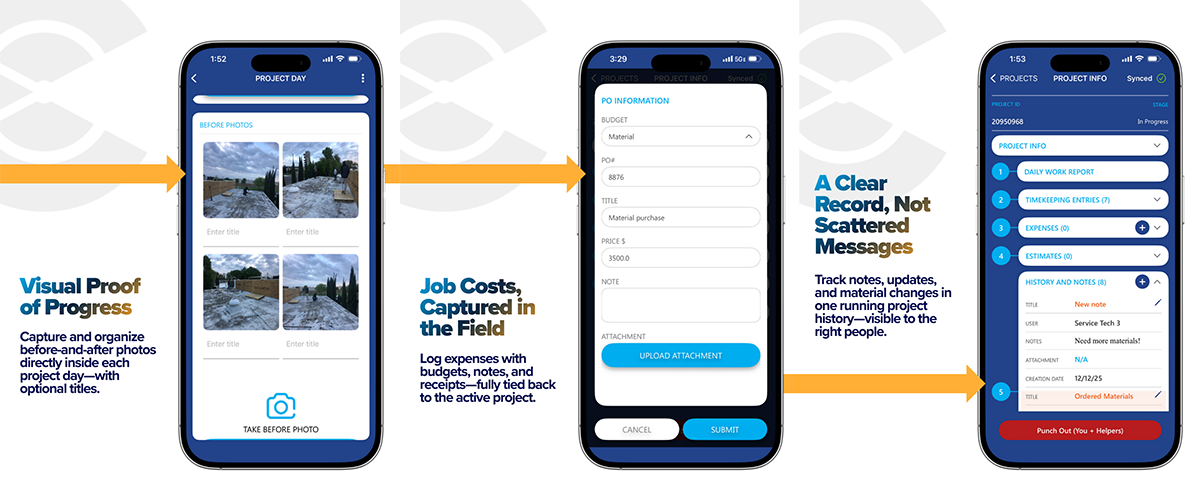
4) Visual proof of progress
Photos are often the fastest way to remove doubt and reduce back-and-forth.
Within each project day, teams can capture and organize before-and-after images (with optional titles). That means:
- Better documentation for internal review
- Faster client updates when requested
- Cleaner records for closeout and warranty conversations
5) Job costs captured in the field
When costs are captured late – or not at all – job costing becomes guesswork.
The Production Module supports expense logging directly from the jobsite. Entries can include:
- Budget category
- PO number and title
- Price, notes, and receipts/attachments
- Full linkage back to the active project
That reduces “end of week” memory-based reporting and improves cost visibility while the job is still in motion.
6) A clear record, not scattered messages
History & Notes creates a single running timeline of project updates, questions, material changes, and important decisions.
Instead of hunting through texts and group chats, teams can:
- Track key updates in one place
- Maintain accountability with visible timestamps and contributors
- Keep the right people informed – without flooding everyone’s inbox
It’s a practical step toward more consistent handoffs and fewer surprises.
Next steps
If you’re already using Centerpoint Connect for service or sales, the Production Module completes the field workflow – so your teams can operate from one connected system.
Want to see it in action?
- Book a demo with our team
- Or reach out to your Centerpoint Connect contact for rollout details and training options