PRODUCTION MANAGEMENT MODULE

A Production Workflow That Keeps Everything Moving.

Centralize your labor, materials, schedules, and progress — and keep every crew accountable from start to finish.

1

Step 1: Setup the Project

Start Strong with
Centralized Project Info.

Every job starts with a complete setup: assign crews, input scope and materials, upload documents, and define the timeline. All team members – office or field – see the necessary information, organized in one place.
Feature Highlights:
Production project setup and planning software
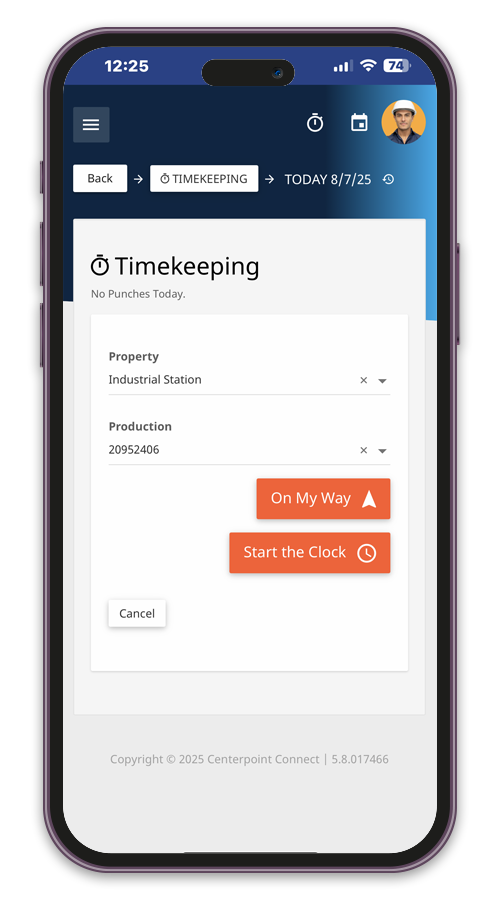
Production project setup mobile app
Production task planning and workflows
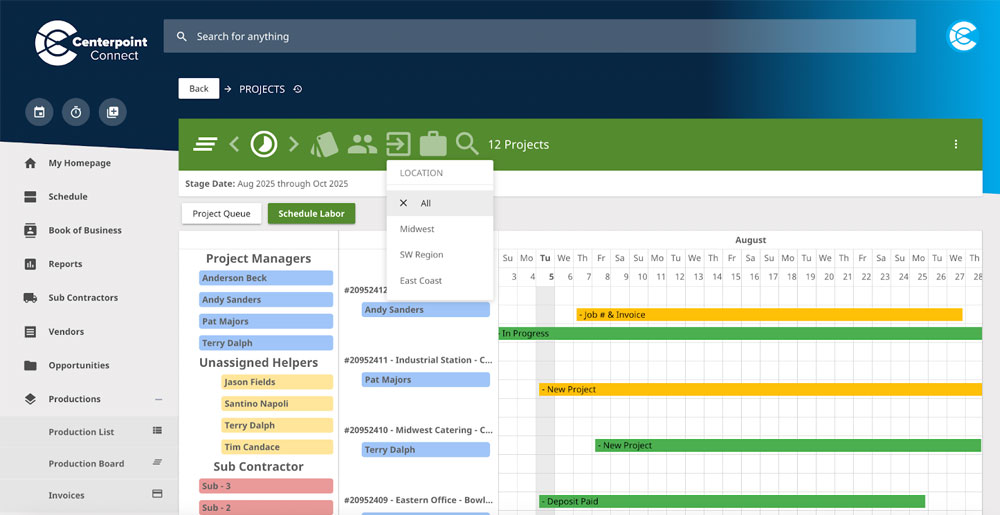
Project task scheduling timeline
Mobile task execution and time tracking
2

Step 2: Assign Tasks & Build the Plan

Break Work into Tasks,
Not Chaos.

Structure the job using task lists that mirror how your crews actually work. Assign responsibilities, link tasks to deadlines, and build workflows that guide teams from one stage to the next – all visible to PMs and field leads.
Feature Highlights:
3

Step 3: Schedule Crews & Materials

Balance Labor, Deadlines, and Deliveries.

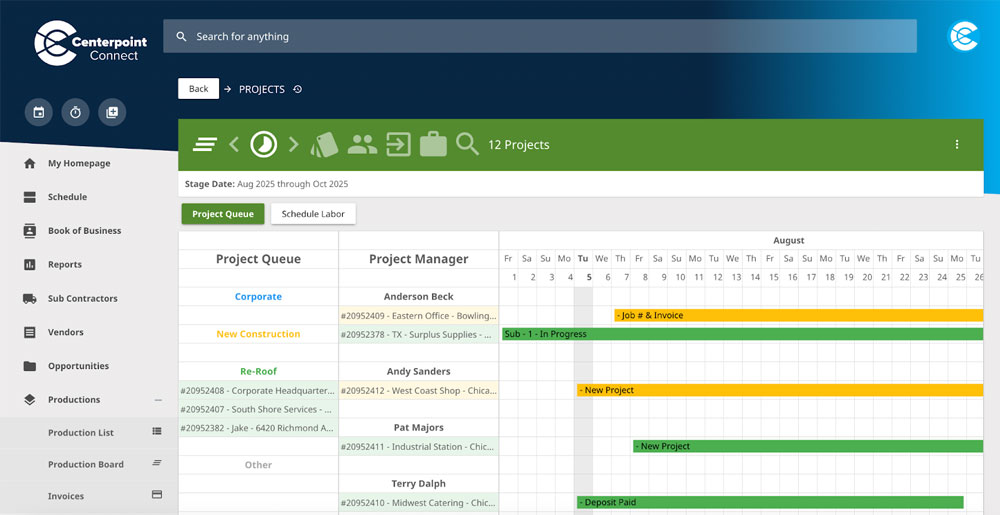
Plan production work with Gantt-chart and job-queue views. Coordinate crews and key material dates across active jobs so your team can spot scheduling conflicts early.
Feature Highlights:
Crew scheduling and job timeline planning
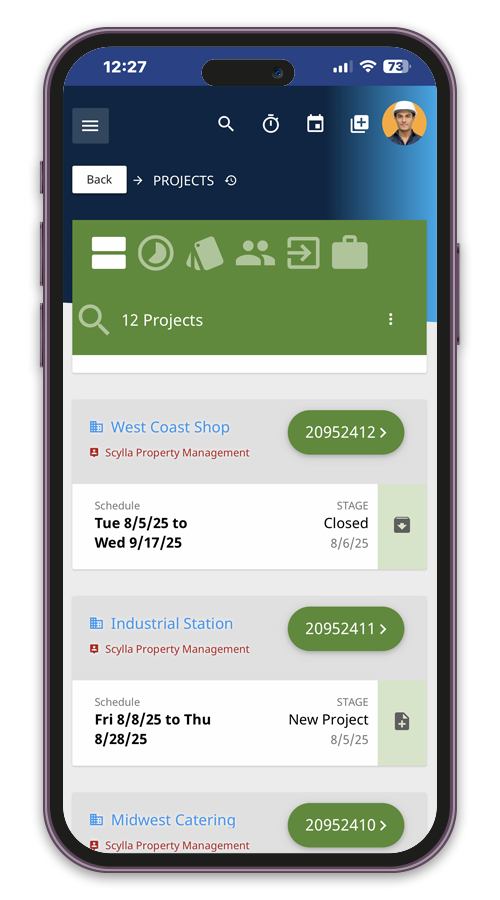
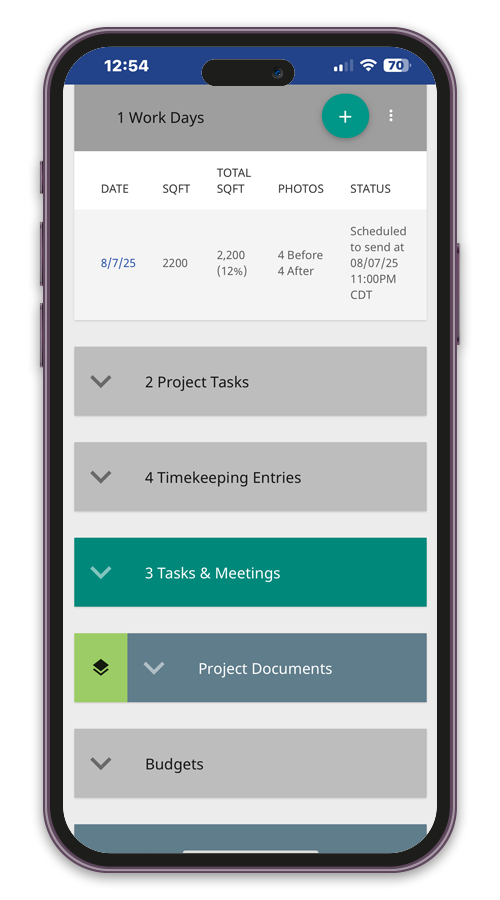
Mobile crew schedule and material tracking
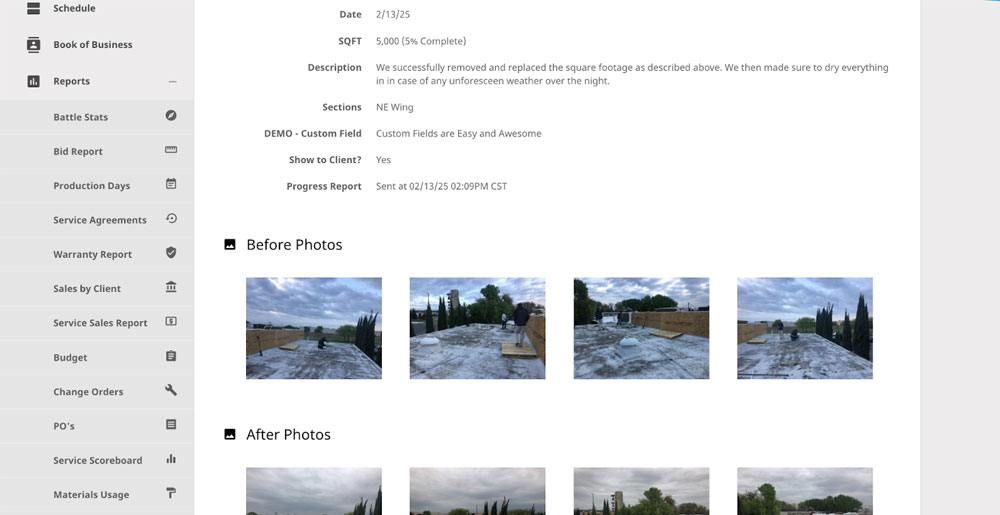
Roofing daily progress reporting
dashboard icon
Roofer daily project progress tracking
4

Step 4: Track Daily Progress

Get Real Progress Updates from the Field.

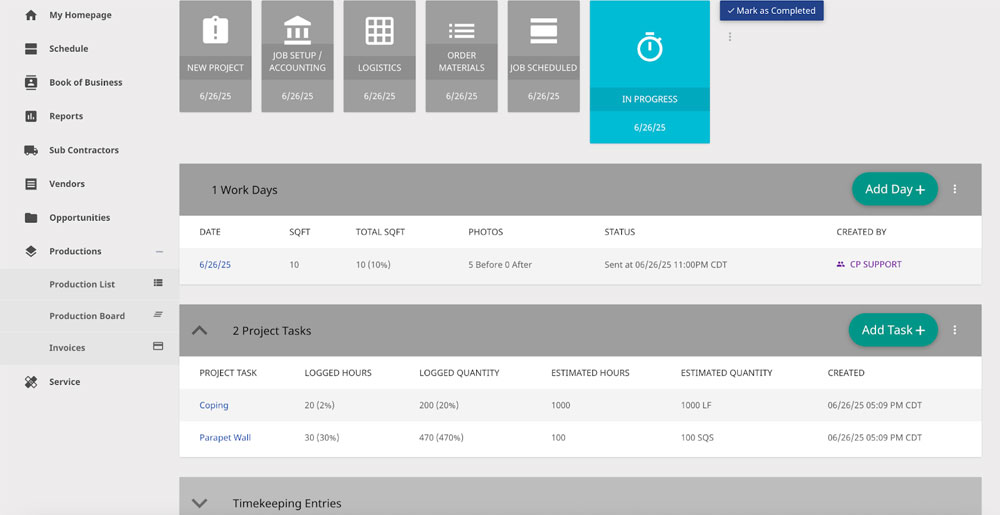
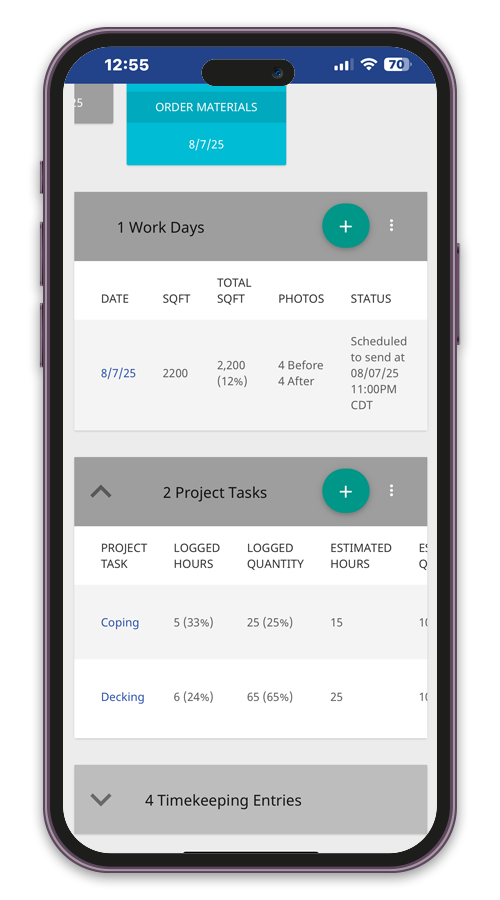
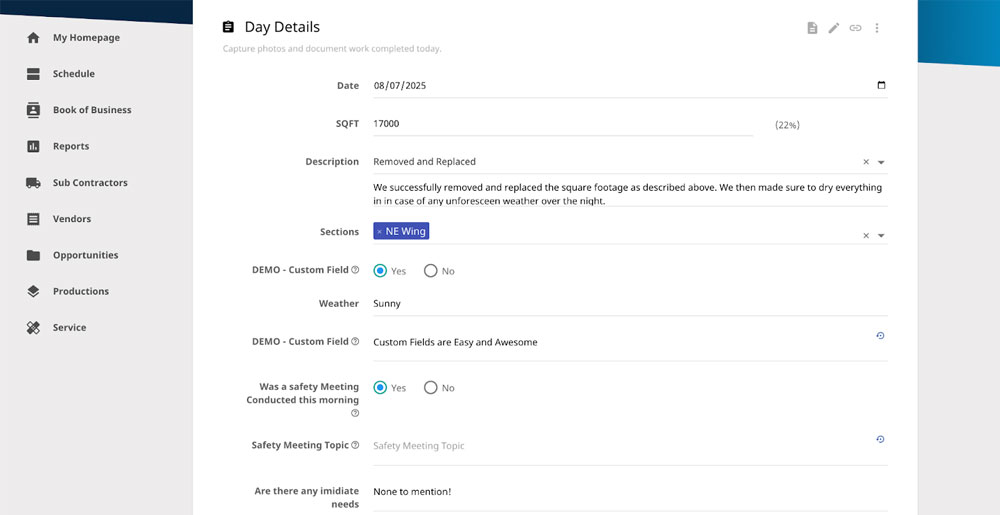
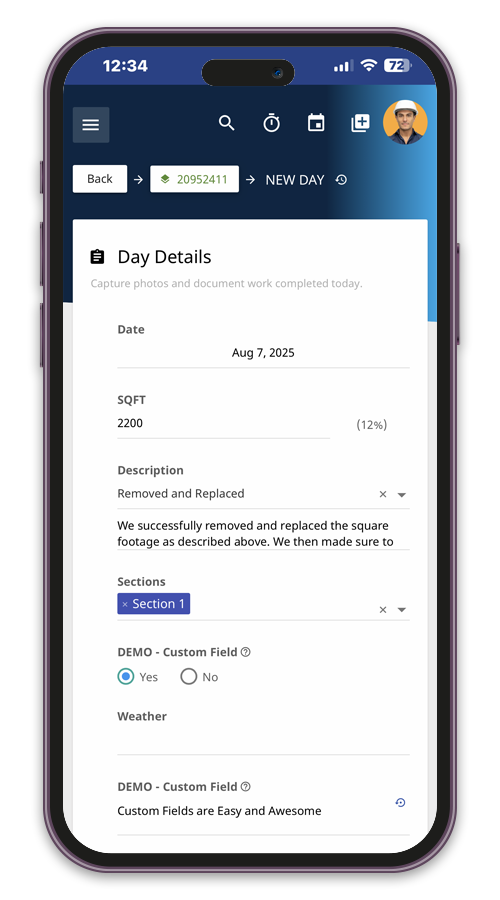
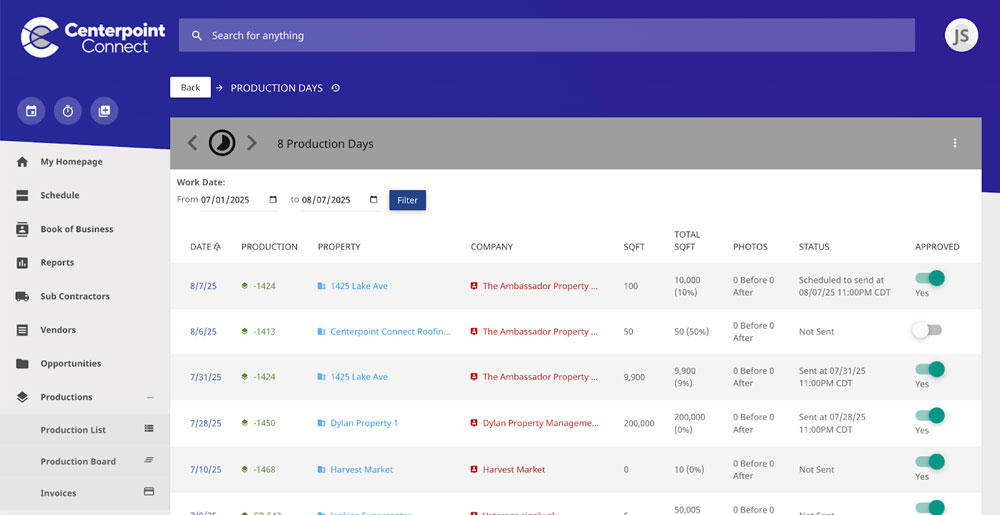
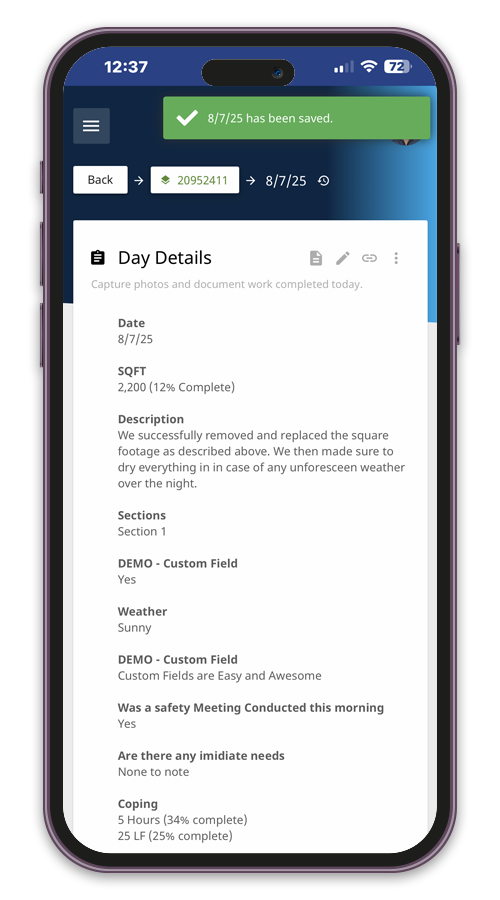
Foremen and PMs can log daily progress, photos, materials needed, and % complete – all from their mobile device. Updates flow directly to the office so you can spot delays early and report to clients with confidence.
Feature Highlights:
5

Step 5: Project Communication

Capture, Approve & Distribute.

As the data is collected in the field and approved by the office, progress reports are distributed to the project’s subscribe list.
Feature Highlights:
Roofing jobsite delays and conditions log
Mobile roofing delay logging
Roofing job closeout and reporting
Roofing job closeout and reporting mobile app
checklist icon
6

Step 6: Close Out & Report

Wrap It Up Right - With Oversight and Insight.

In real time, review labor, materials, daily reports, photos, and project documentation in one place. Maintain a complete project record and use the information captured throughout the job to support closeout, future estimating, and production planning.
Feature Highlights:

Trusted by More than 250 Roofing Contractors Across North America.

Scroll to Top