Home/Client Portal

The Client Portal

A Client Portal That Builds Trust.

Give your clients real-time access to their jobs, documents, budgets, and communication — without extra admin from your team.

IN CENTERPOINT CONNECT
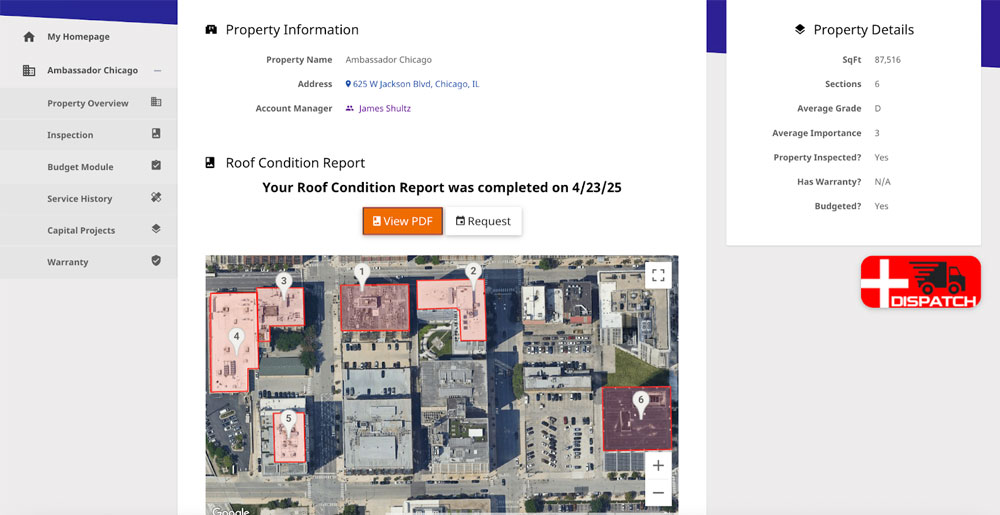
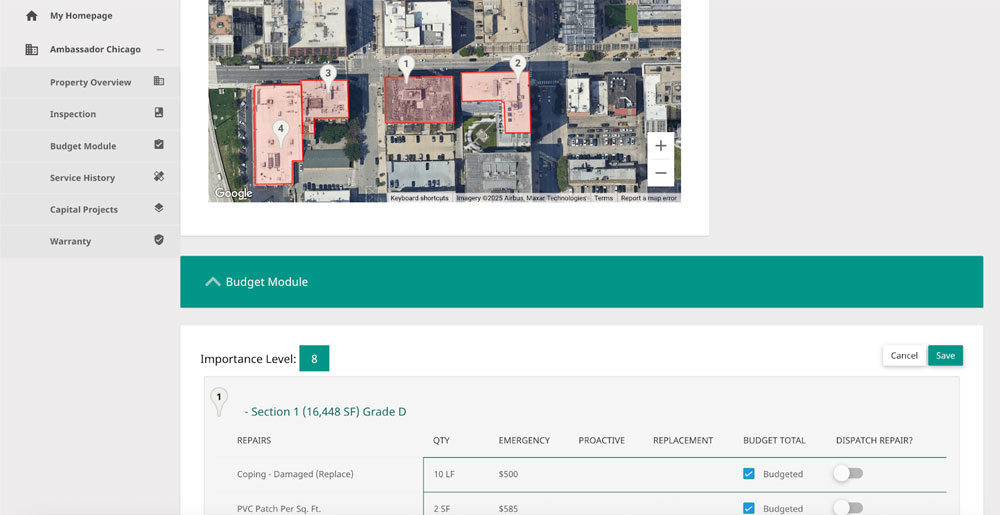
Centerpoint the client portal screenshot

Step 1: Invite the Client

Set Up Access in Just
a Few Clicks.

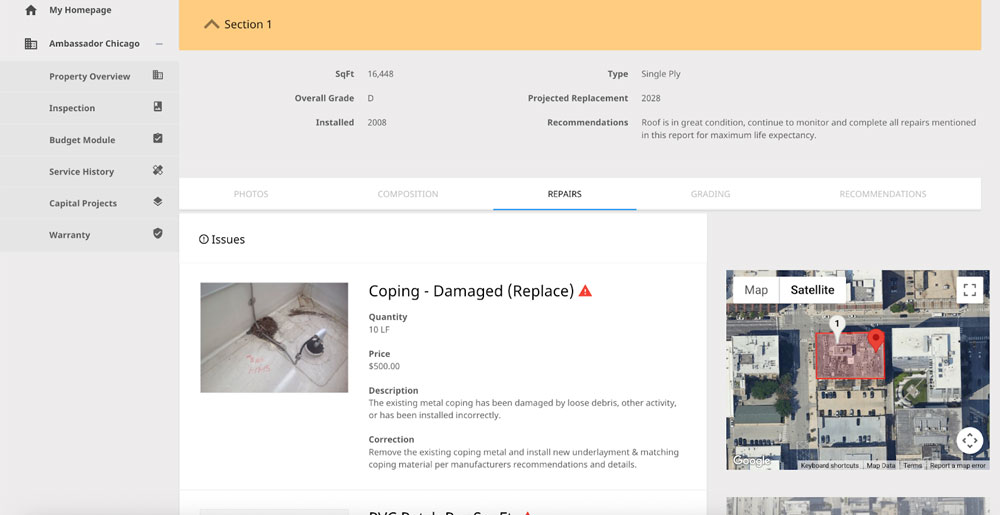
Once a job or service ticket is underway, you can grant your client access to their personalized portal. Choose what they can see – budgets, documents, schedules, or site photos and let them log in from anywhere.
Feature Highlights:
01Invite the Client
Client portal property access

Step 2: Share Real-Time Job Info

Clients See What’s Happening - Without Calling You.

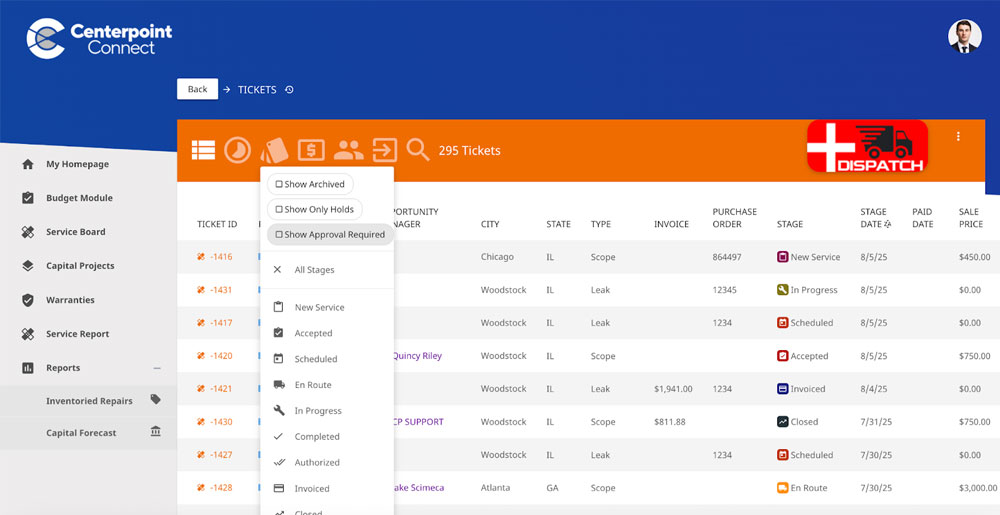
Centerpoint’s portal gives clients a central place to view service ticket updates, uploaded documents, and other information made available to their account. Clients can check available updates without calling your office for routine status questions.
Feature Highlights:
02Share Real-Time Job Info
Client portal job status management

Step 3: Share Files, Photos & Reports

Deliver Documentation With a Professional Touch.

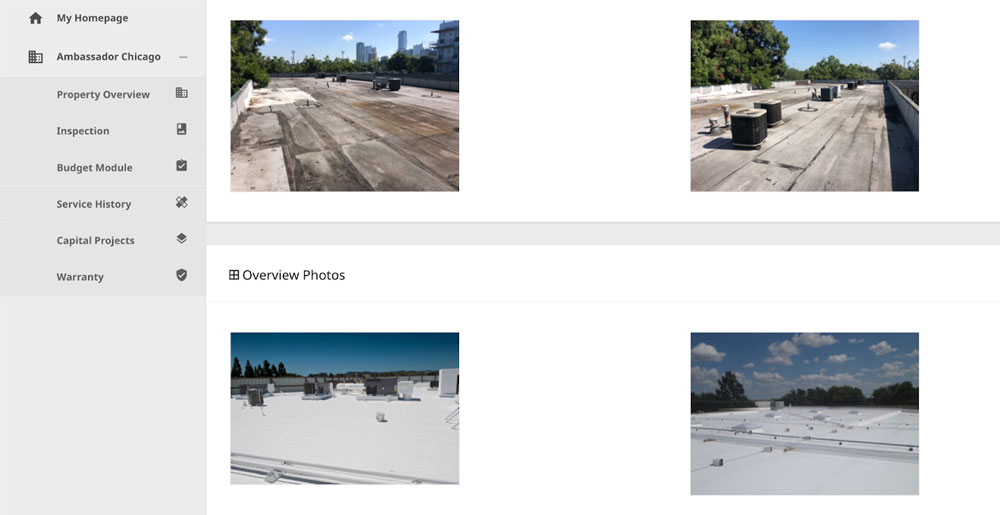
Upload inspection photos, close-out reports, permits, and warranties directly to the portal. Clients can download what they need – no more hunting through emails or asking your office to resend forms.
Feature Highlights:
03Share Files, Photos & Reports
Client portal file sharing

Step 4: Submit Service Requests

Make It Easy for Clients to Request Service.

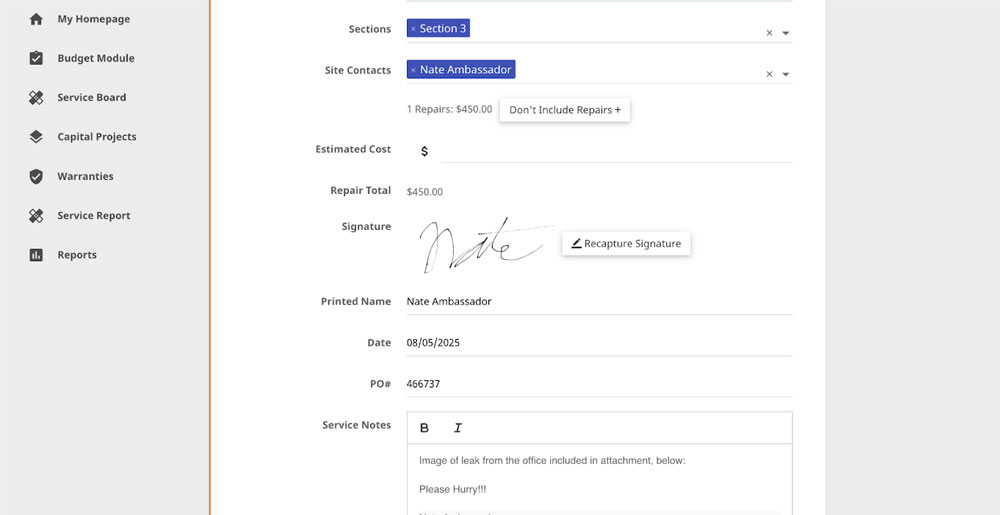
Clients can use the portal to submit a service request and provide the information your team needs to follow up. Each request stays connected to the client account for easier tracking and communication.
Feature Highlights:
04Submit Service Requests
Client portal approval management

Step 5: Keep Communication Transparent

Showcase Your Professionalism Through Clear Communication.

Give clients one place to review the documents, photos, and service information available to their account. Keeping shared information together helps reduce scattered emails and repeated status requests.
Feature Highlights:
05Keep Communication Transparent
Client portal communication management

Step 6: Strengthen Client Relationships

Build Confidence With
Every Click.

When clients feel informed, they feel confident – and that builds loyalty. The portal helps your company look organized, responsive, and in control, without adding extra work for your team.
Feature Highlights:
06Strengthen Client Relationships

Client portal relationship management

Trusted by More than 250 Roofing Contractors Across North America.

Scroll to Top